Toll Free: (877) 723-1442 U.S. and Canada
Xtreme CommandBars
Product Information
Product Bundles
Individual Products
More Information
Corporate Partners
Customer Spotlight
Contact Sales

Call center available M-F 9:00 - 6:00 US Eastern Time.

U.S. and Canada
(877) 723-1442

International
(517) 625-5729

Email

Win64 Ready

Win64 Ready!

Overview  |   First  |  Previous  |   Next  |  Last

Set Icon Size and Toggle Large or Small Toolbar Icons

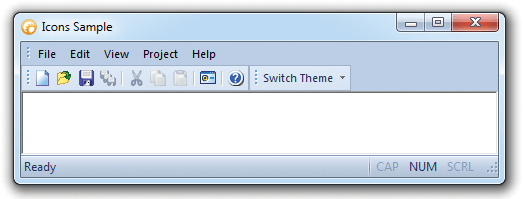
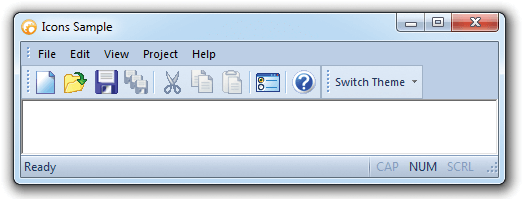
With Xtreme CommandBars you always have the choice of selecting either small or large toolbar icons. You can easily set the size of the icons that will be used for small and large icons.  Switching between the two can be accomplished with only a few mouse clicks, giving users the satisfaction of controlling the look of the application. With this feature there is no need to worry about running out of space for more icons in using the small icons and there is no need for squinting to determine which icon to use in using the large icons.    

Small Icons
Large Icons
Microsoft, Visual Studio, and the Visual Studio logo are trademarks or registered trademarks of Microsoft Corporation in the United States and/or other countries. Other products and/or company names may be trademarks or registered trademarks of their respective owners.