
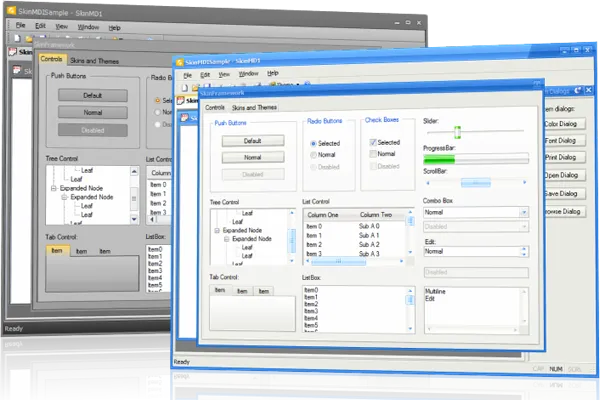
Skin Framework Application Themes
for ActiveX COM v24.3.0
Skin Framework for ActiveX COM provides Windows developers with a highly sophisticated application skinning framework technology that was developed with Windows Themes (Visual Styles) in mind. Achieving a completely themed application can be accomplished with only a few lines of code.
Skin Framework is included in Suite Pro for ActiveX COM
Key Features
Codejock Skin Framework for ActiveX COM provides several options to choose from including Office and Windows Application Skins, Support for All Windows Controls, Skin Builder Application, Multiple Skin Support, Custom Theme Support and much more!
Skin Framework is included with the Suite Pro for ActiveX COM evaluation.
General Features
Explore Skin Framework features for layout, appearance, interaction, customization, and developer control.
Acquiring a professionally themed application just got easier. It gives desktop software a polished themed appearance while keeping styling practical for existing application windows.
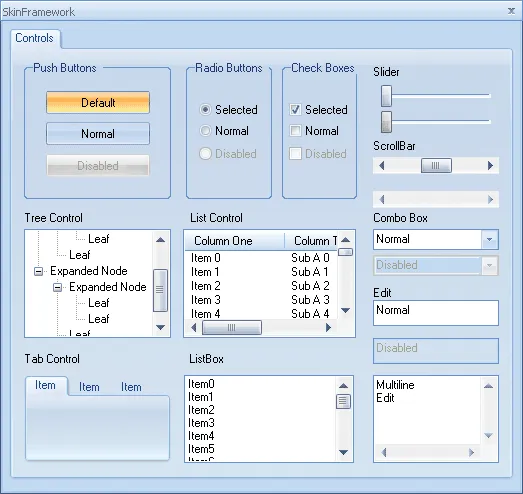
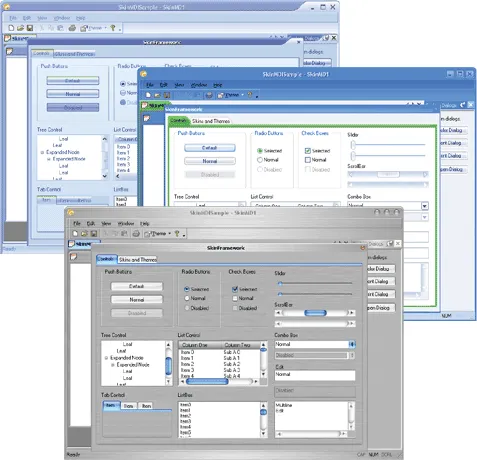
Skin Framework allows you to skin every visual element in your application. It makes visual modernization easier by applying cohesive skins across common windows, controls, and dialogs.
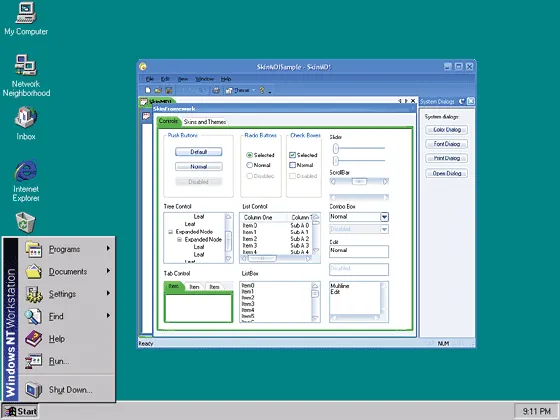
Skin Framework provides the same look and feel across all Windows Platforms beginning with Windows 95 and NT 4.0. It adds useful detail for production desktop applications.
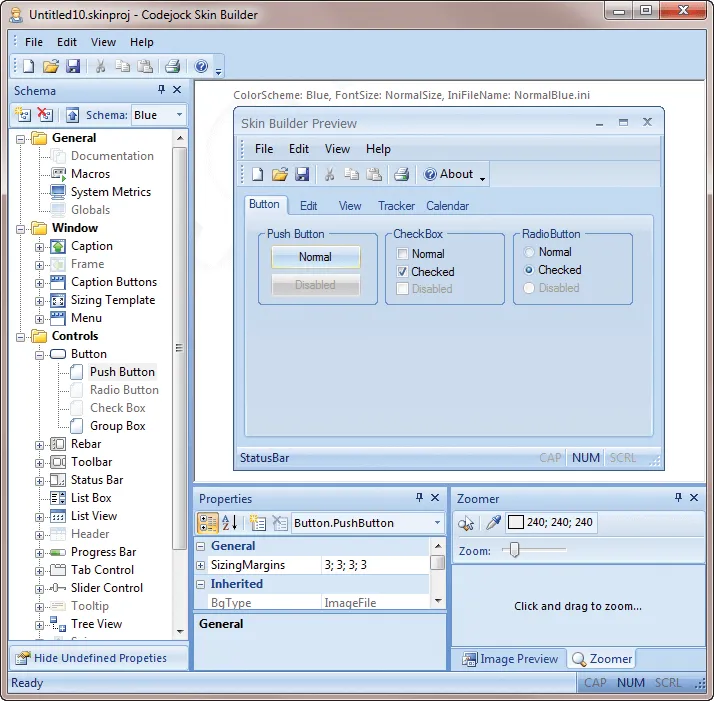
Skin Framework comes with a Skin Builder Utility that allows you to edit existing Codejock or msstyles skins or create your own. It adds useful detail for production desktop applications.
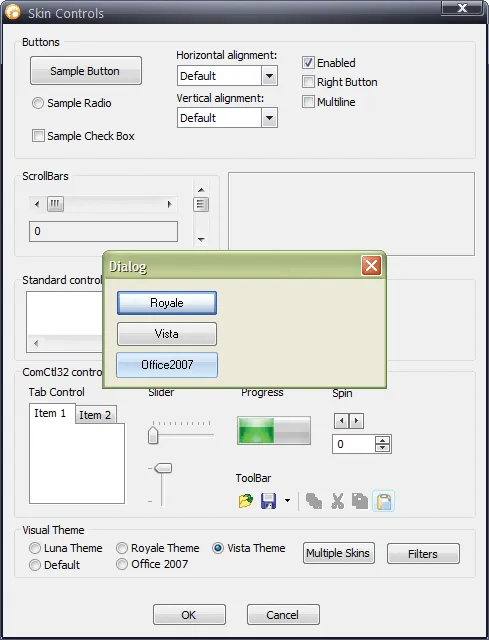
Skin Framework allows multiple skins to be applied to the same application. It makes visual modernization easier by applying cohesive skins across common windows, controls, and dialogs.
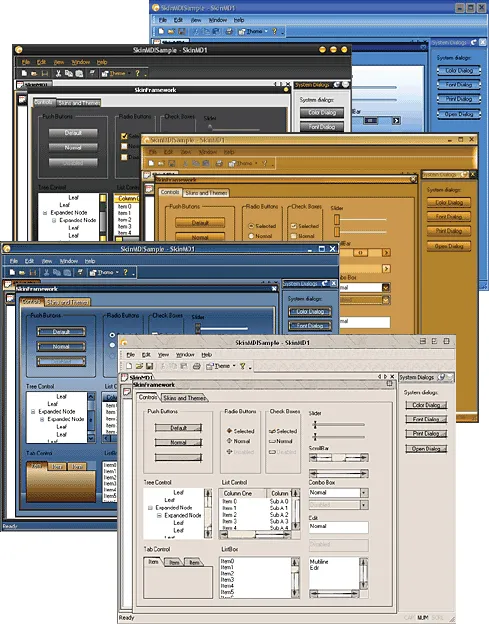
Skin Framework does not limit you to the predefined skins provided with the control. It adds useful detail for production desktop applications. It improves clarity for everyday users.
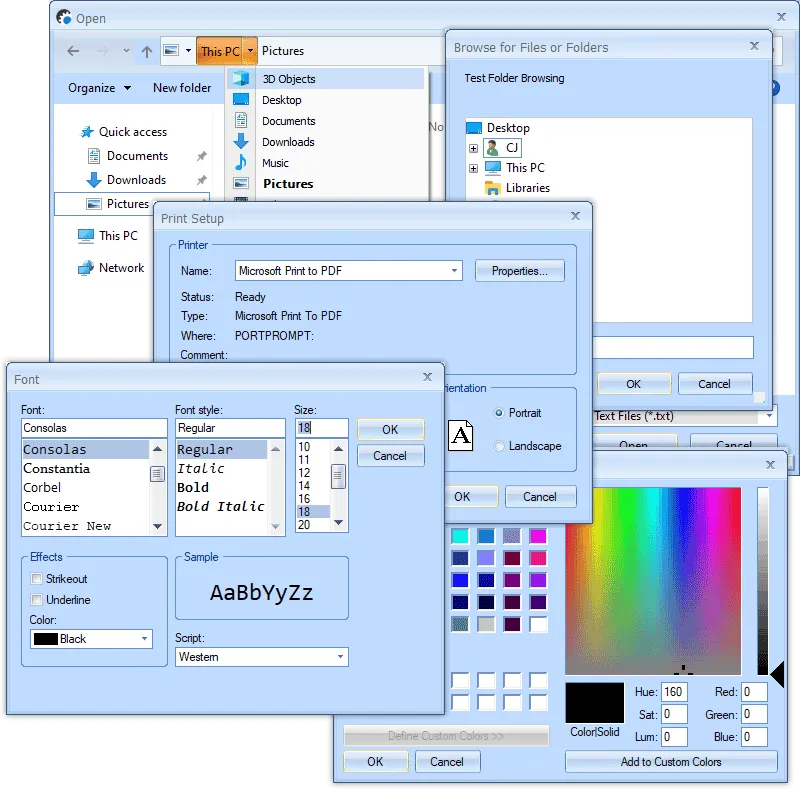
If enabled for the entire application, Skin Framework will automatically apply skins to system dialogs, known controls inside them, and windows opened from those dialogs.
Skins Included Are:
Explore Skin Framework features for layout, appearance, interaction, customization, and developer control.
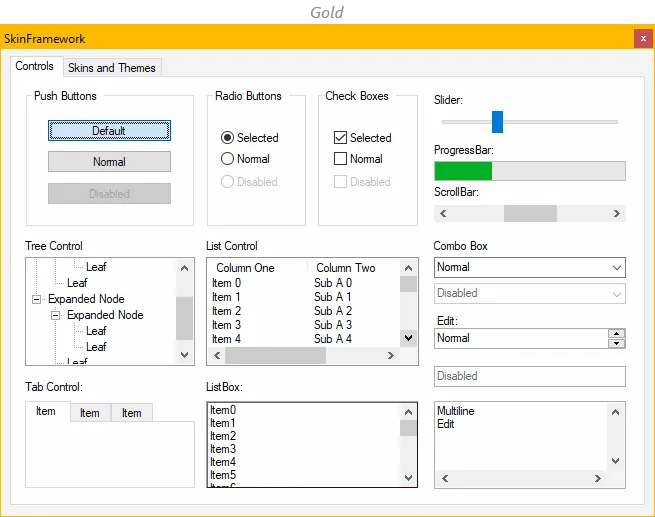
Apply the Windows 10 style to give Skin Framework a polished look that fits familiar desktop UI themes. It adds useful detail for production desktop applications.
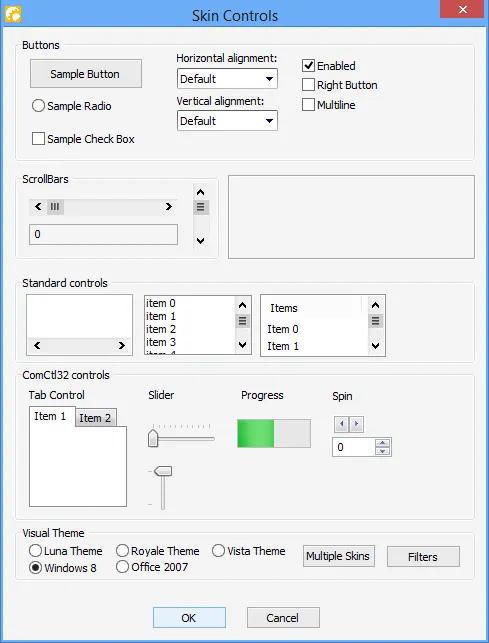
Apply the Windows 8 visual style to give applications a polished look that fits familiar desktop UI themes. It adds useful detail for production desktop applications.
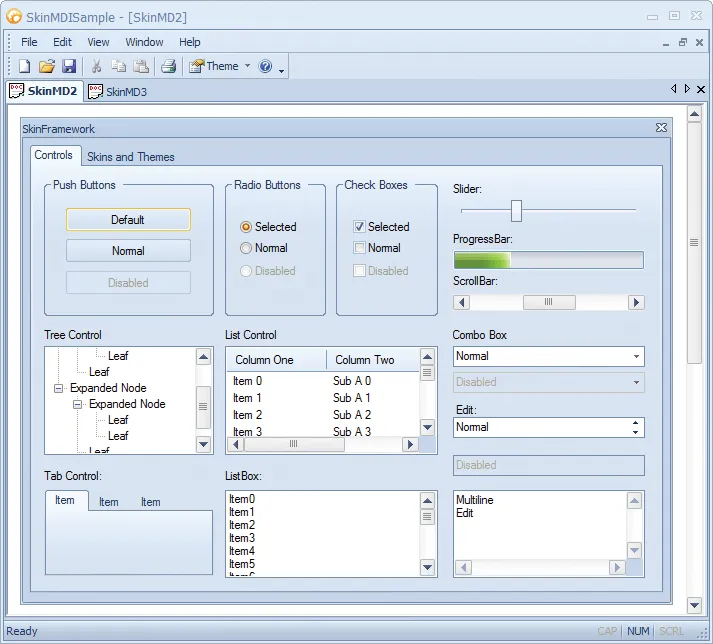
Apply the Office 2010 Blue visual style to give applications a polished look that fits familiar desktop UI themes. It adds useful detail for production desktop applications.
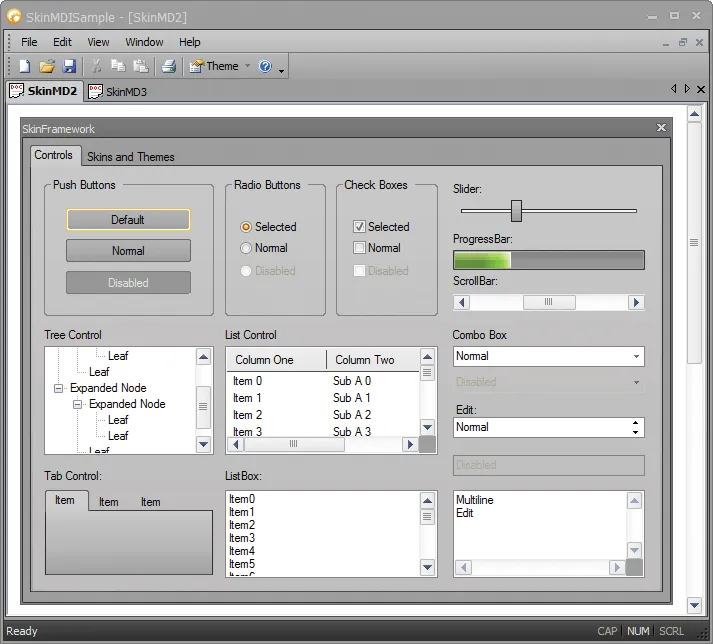
Apply the Office 2010 Black visual style to give applications a polished look that fits familiar desktop UI themes. It adds useful detail for production desktop applications.
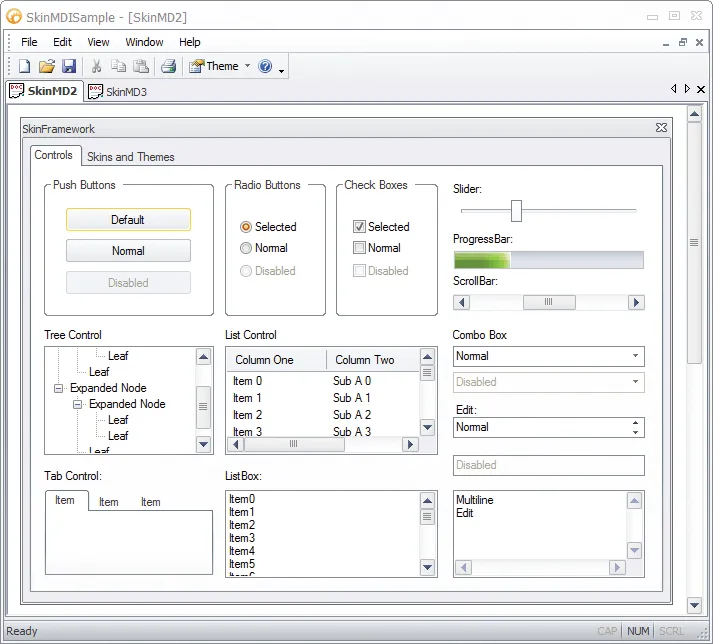
Apply the Office 2010 Silver visual style to give applications a polished look that fits familiar desktop UI themes. It adds useful detail for production desktop applications.
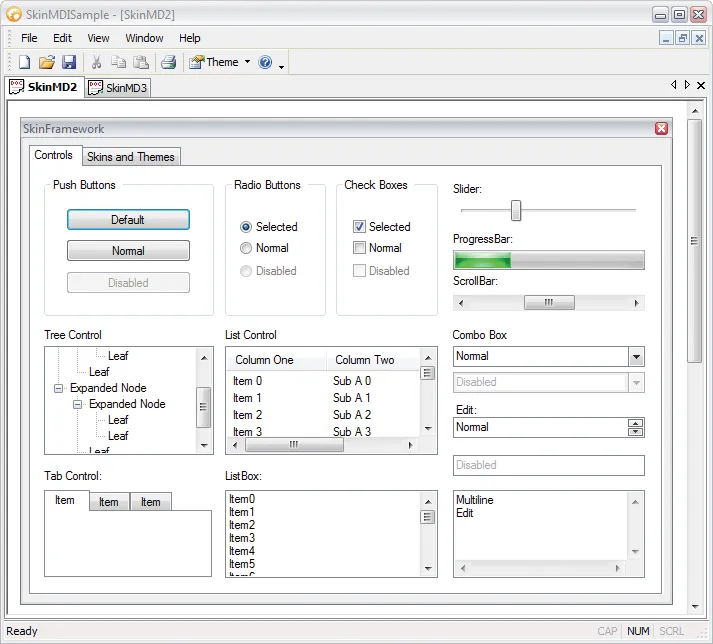
Apply the Windows Vista Silver visual style to give applications a polished look that fits familiar desktop UI themes. It adds useful detail for production desktop applications.
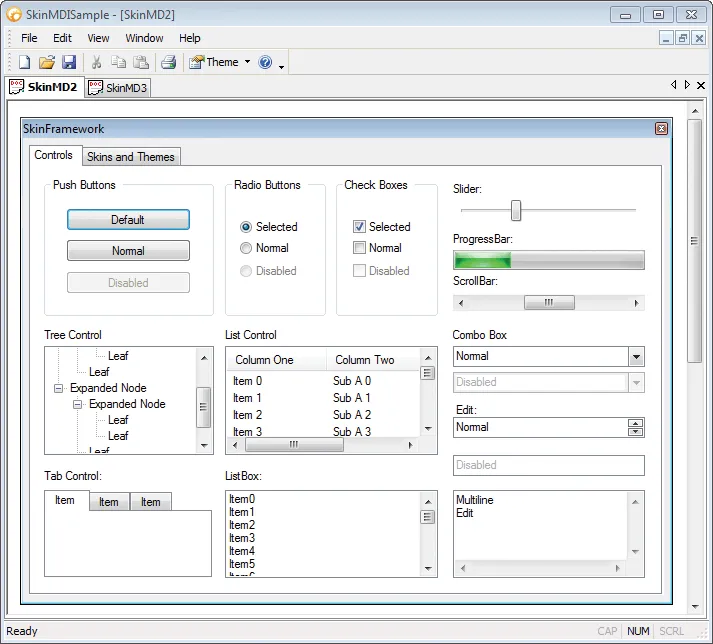
Apply the Windows Vista Blue visual style to give applications a polished look that fits familiar desktop UI themes. It adds useful detail for production desktop applications.
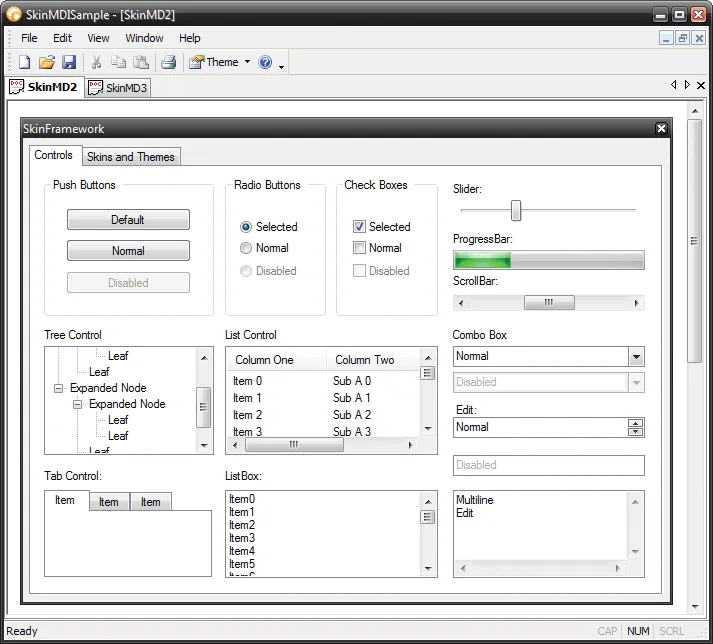
Apply the Windows Vista Black visual style to give applications a polished look that fits familiar desktop UI themes. It adds useful detail for production desktop applications.
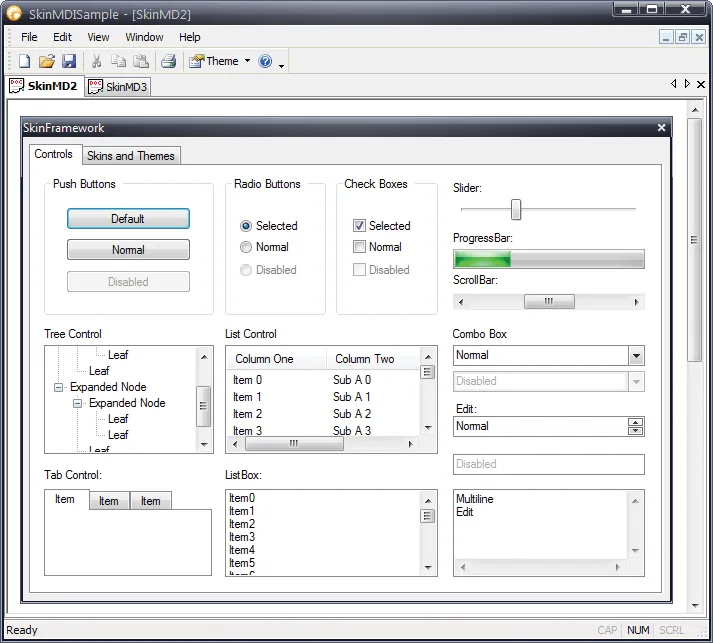
Apply the Windows Vista New Black visual style to give applications a polished look that fits familiar desktop UI themes. It adds useful detail for production desktop applications.
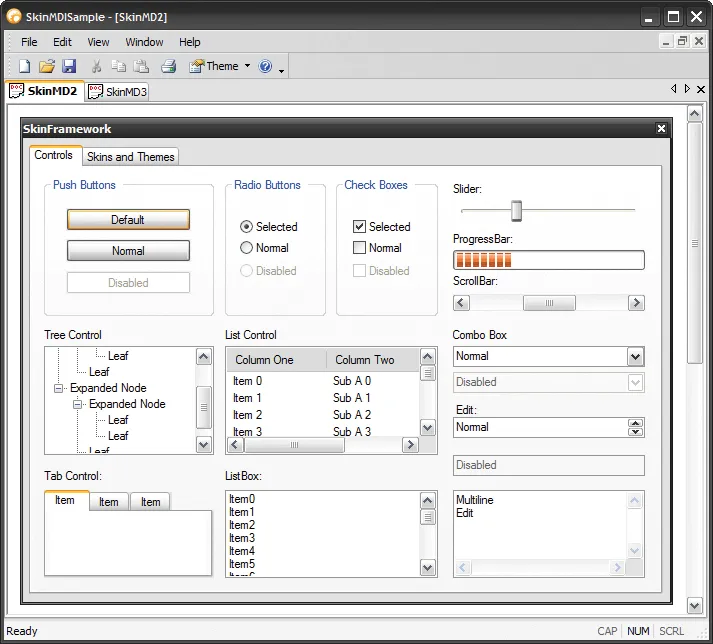
Skin Framework include the Zune Visual Style. It helps applications adopt a consistent visual style with less custom painting while preserving familiar Windows desktop behavior.
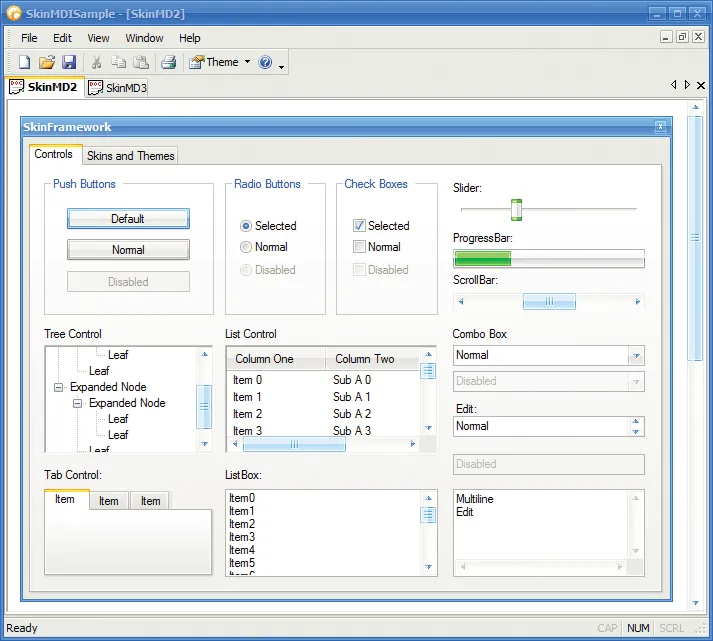
Apply the Codejock Blue visual style to give applications a polished look that fits familiar desktop UI themes. It adds useful detail for production desktop applications.
Additional Included Skins
Explore Skin Framework features for layout, appearance, interaction, customization, and developer control.
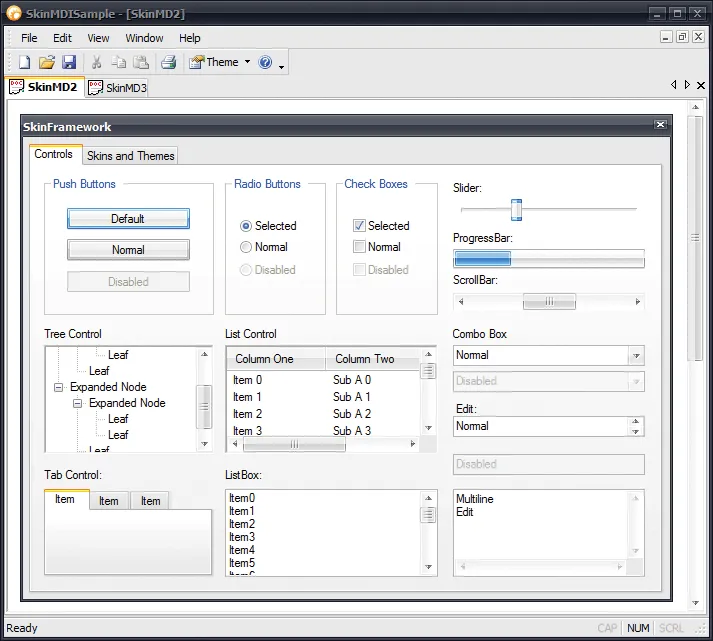
Apply the Codejock Black visual style to give applications a polished look that fits familiar desktop UI themes. It adds useful detail for production desktop applications.
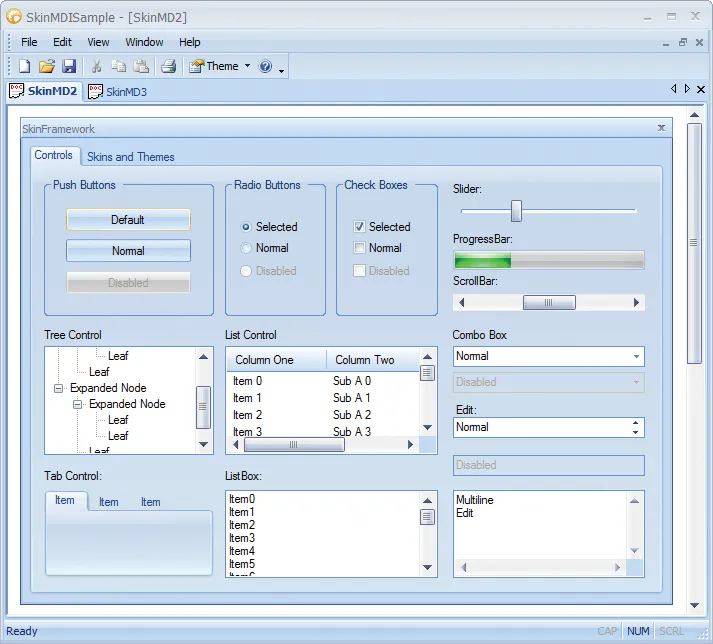
Apply the Office 2007 Blue visual style to give applications a polished look that fits familiar desktop UI themes. It adds useful detail for production desktop applications.
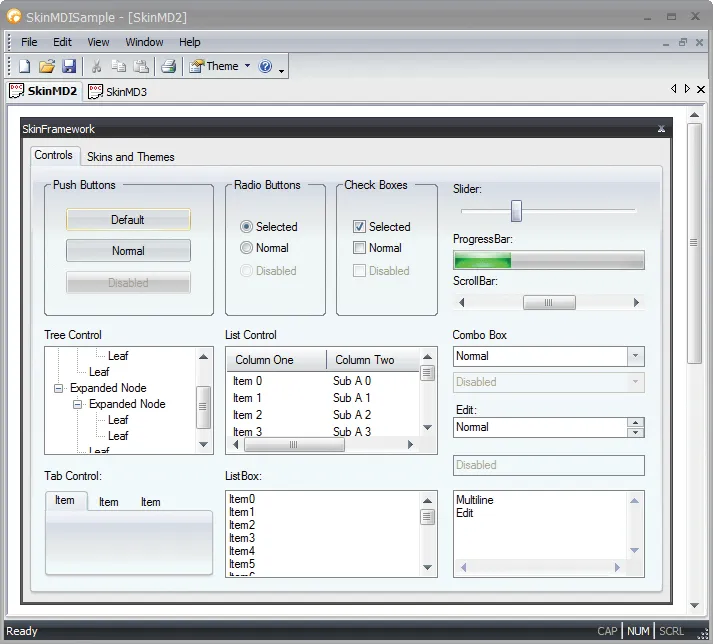
Apply the Office 2007 Black visual style to give applications a polished look that fits familiar desktop UI themes. It adds useful detail for production desktop applications.
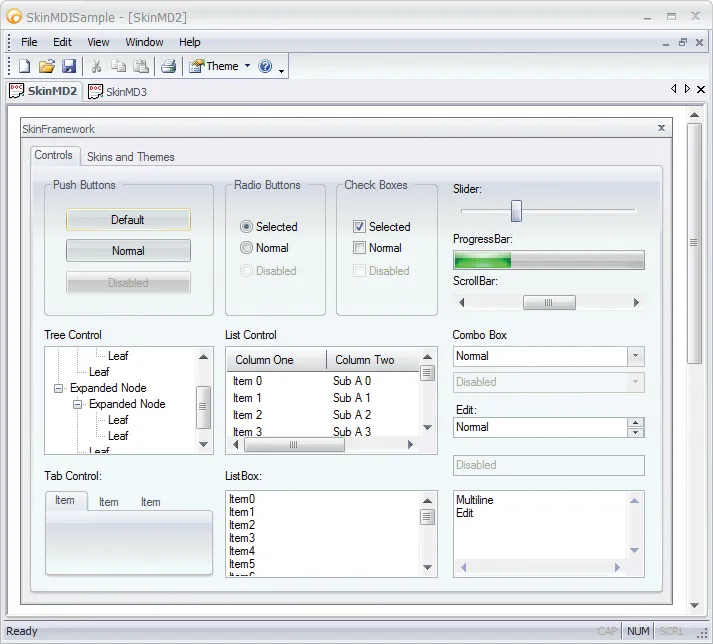
Apply the Office 2007 Silver visual style to give applications a polished look that fits familiar desktop UI themes. It adds useful detail for production desktop applications.
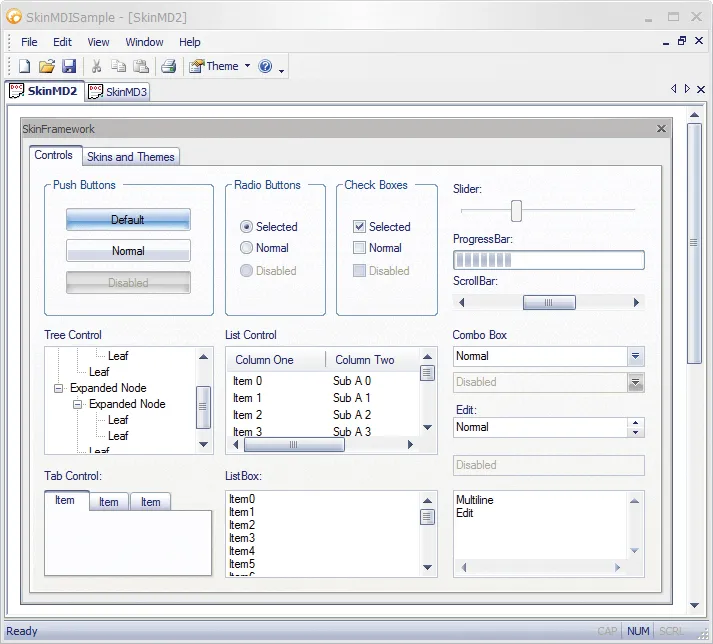
Apply the Office 2007 Aqua visual style to give applications a polished look that fits familiar desktop UI themes. It adds useful detail for production desktop applications.
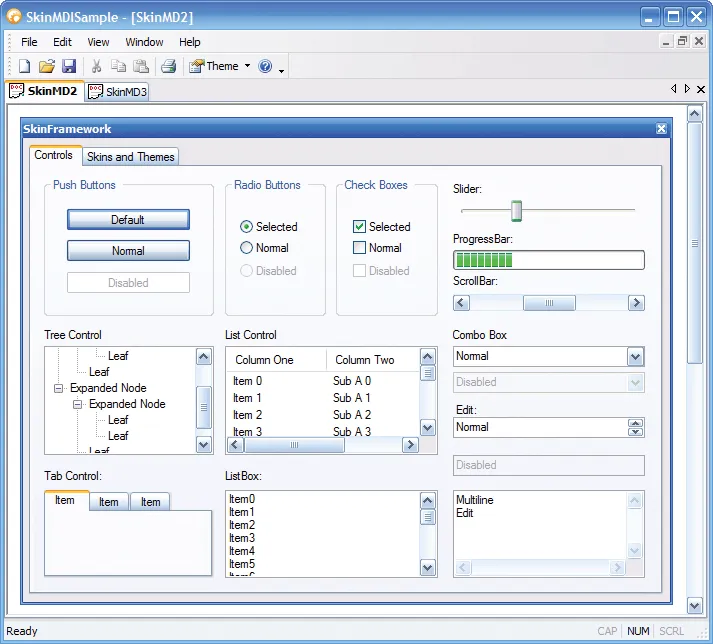
Apply the Windows Royale Blue visual style to give applications a polished look that fits familiar desktop UI themes. It adds useful detail for production desktop applications.
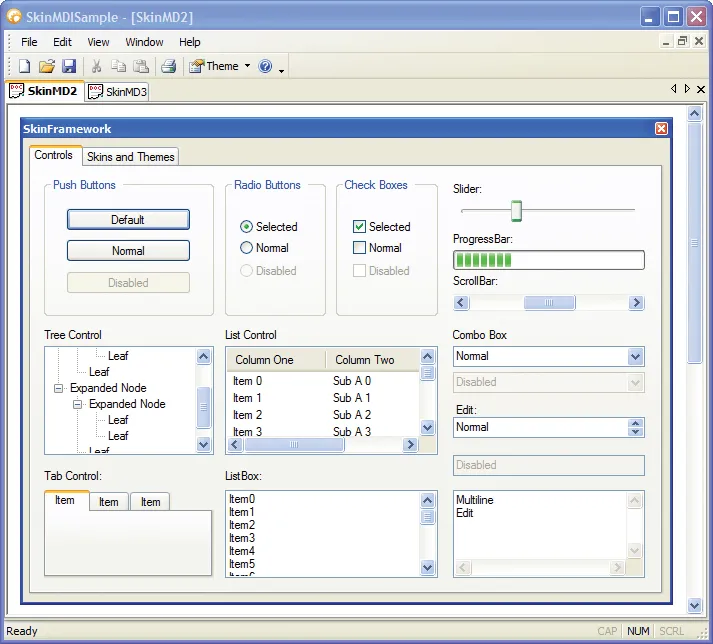
Apply the Native Windows XP visual style to give applications a polished look that fits familiar desktop UI themes. It adds useful detail for production desktop applications.
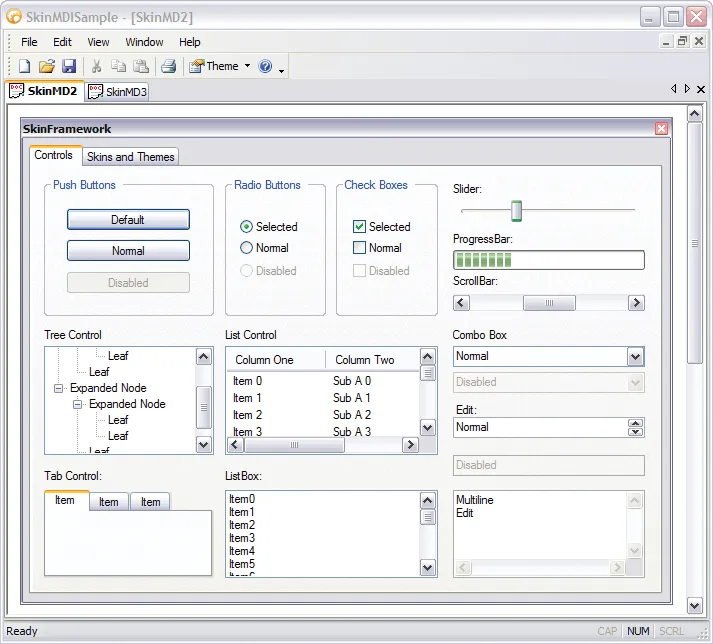
Apply the Windows XP Metallic visual style to give applications a polished look that fits familiar desktop UI themes. It adds useful detail for production desktop applications.
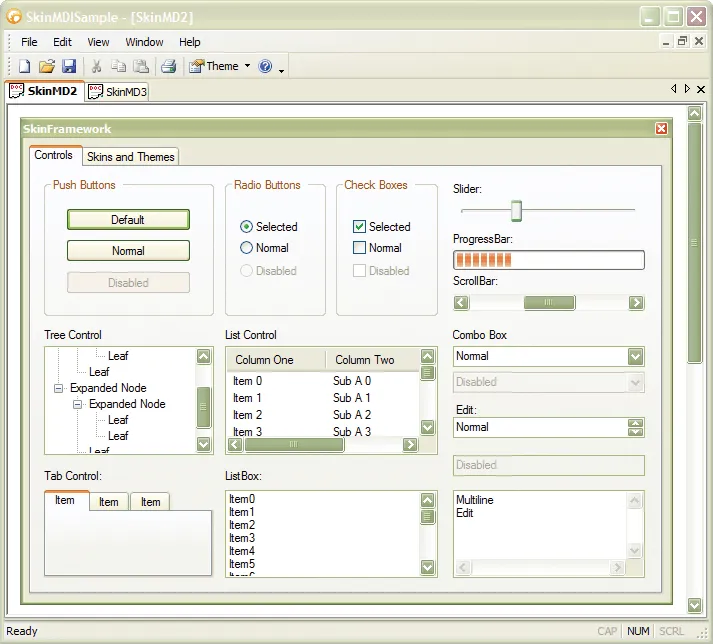
Apply the Windows XP Homestead visual style to give applications a polished look that fits familiar desktop UI themes. It adds useful detail for production desktop applications.
Broad compatibility across Visual Studio, Windows desktop, and Windows Server releases — from modern environments to legacy deployments.
Development environments
- Visual Studio 2022
- Visual Studio 2019
- Visual Studio 2017
- Visual Studio 2015
- Visual Studio 2013
- Microsoft Access
- Visual Studio 2012
- Visual Studio 2010
- Visual Studio 2008
- Visual Studio 2005
- Visual Studio .NET 2003
- Visual Studio .NET 2002
- Visual Basic 6.0
Client operating systems
- Windows 11
- Windows 10
- Windows 8.1
- Windows 8
- Windows 7
- Windows Vista
- Windows XP
- Windows Me
- Windows 2000
- Windows 98 SE
- Windows 98
- Windows 95
Server environments
- Windows Server 2022
- Windows Server 2019
- Windows Server 2016
- Windows Server 2012 R2
- Windows Server 2012
- Windows Server 2008 R2
- Windows Server 2008
- Windows Server 2003 R2
- Windows Server 2003
- Windows 2000
- Windows NT 4.0
Baseline development and runtime support
- Compiler: Visual Basic 6.0
- Runtime: Windows 95 / NT 4.0