
Task Panel Navigation Component
for Visual C++ MFC v24.3.0
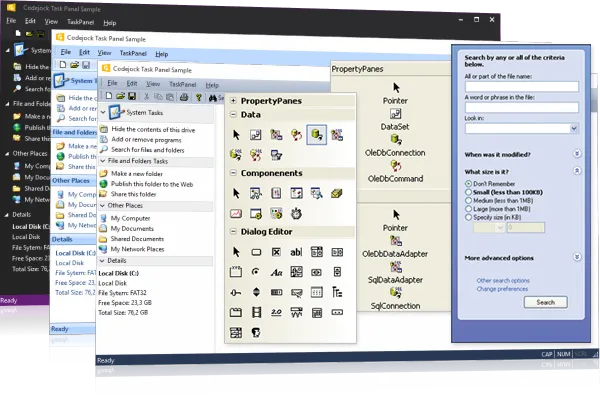
Task Panel for Visual C++ MFC provides Windows developers with a flexible GUI for task management and a sophisticated Office Task Panel similar to what is seen in Microsoft Office and Windows Explorer. The TaskPanel can even be used as a Visual Studio style tool box.
Task Panel is included in Toolkit Pro for Visual C++ MFC
Key Features
Codejock Task Panel for Visual C++ MFC provides several options to choose from including Item Types, Group Captions, Animation, Expandable Groups, Margins, Office and Visual Studio Theme Support, Toolbox Layout, Drag and Drop, Hot Tracking and much more!
Task Panel is included with the Toolkit Pro for Visual C++ MFC evaluation.
Office and Explorer TaskPanel
Explore Task Panel features for layout, appearance, interaction, customization, and developer control.
Task Panel Control
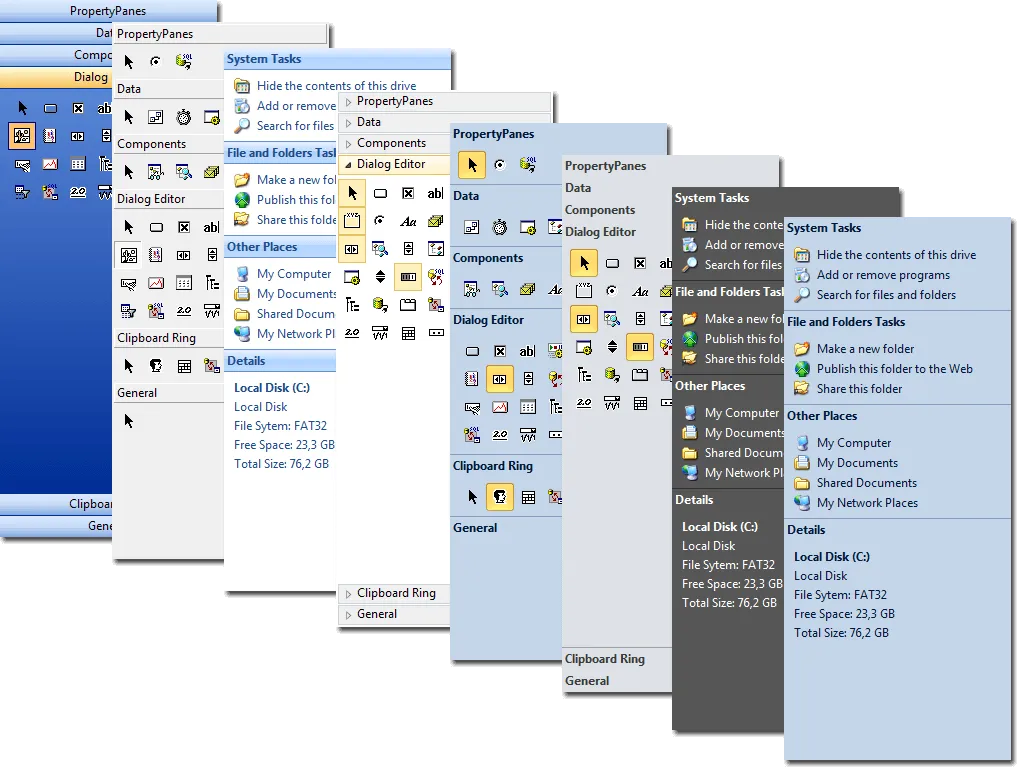
Task Panel provides an Office TaskPanel similar to what is seen in Microsoft Office and Windows Explorer. It adds useful detail for production desktop applications.
Item Types
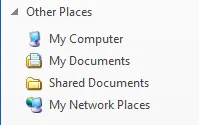
Task Panel allows you to easily add groups of related items to your task panel. It keeps task-based navigation clear, grouped, and easier to scan in feature-rich desktop applications.
Group Caption
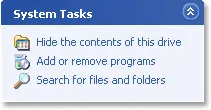
Task Panel allows you to hide/show the caption bar of your Task Panel groups giving you more flexibility over how your data is displayed to the user. It improves clarity for everyday users.
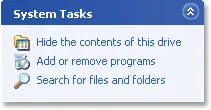
Special Groups
Task Panel allows you to designate a group as "special." Groups marked as special will be displayed differently than normal groups drawing your user's attention to that particular.
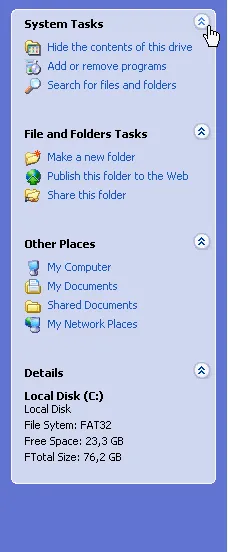
Animation
Task Panel allows you to use animation effects when opening and closing groups in the Task Panel. It adds useful detail for production desktop applications.
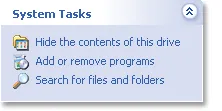
Expandable Groups
Task Panel allows you to designate which groups the user can expand and hide. It keeps task-based navigation clear, grouped, and easier to scan in feature-rich desktop applications.
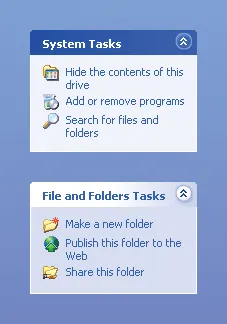
Margins
Task Panel allows you change the margins of the TaskPanel. It organizes commands and related actions into clear groups so users can stay focused and move through common workflows faster.
VS.NET Style ToolBox Control
Apply polished Task Panel visual styles and themes so the control matches the rest of your application interface.
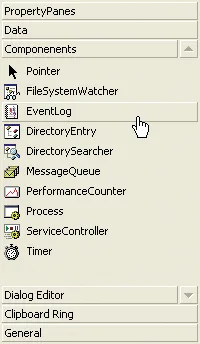
Toolbox Control
Task Panel ActiveX offers a “VS.NET Style Toolbox” which provides a great alternative to the standard menu shortcuts. It adds useful detail for production desktop applications.
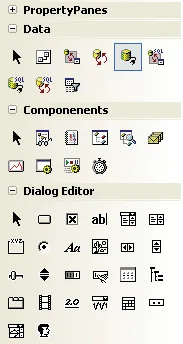
Toolbox Layout
Task Panel's Toolbox control allows you to change the layout of your toolbox items with a single line of code. It adds useful detail for production desktop applications.
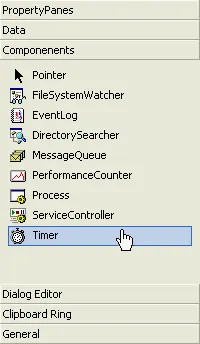
Drag and Drop Items
Let users drag and drop items naturally, making Task Panel workflows faster and easier to organize. It adds useful detail for production desktop applications.
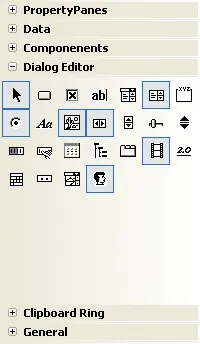
Toggle Buttons
Task Panel's Toolbox and Task Panel control offers toggle buttons that allow the user to easily see when items in your Toolbox and TaskPanel are "on" or "off".
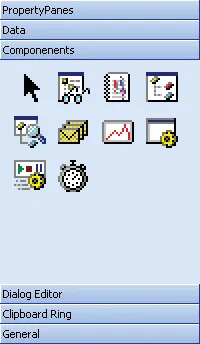
Icon Size
With Task Panel's Toolbox and Task Panel control you always have the choice of selecting either small or large toolbar icons. It adds useful detail for production desktop applications.
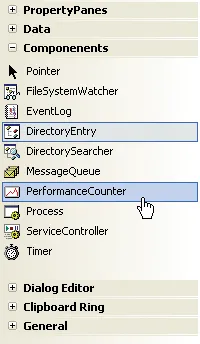
Hot Tracking
Task Panel's Toolbox and Task Panel control allows you to easily add hot tracking. It keeps task-based navigation clear, grouped, and easier to scan in feature-rich desktop applications.
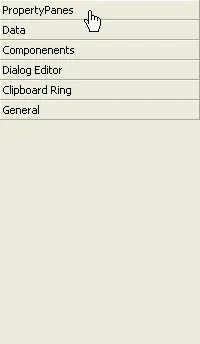
Behavior
Task Panel's Toolbox and TaskPanel control allows you to change the animation behavior of group items as you navigate them. It adds useful detail for production desktop applications.
Broad compatibility across Visual Studio, Windows desktop, and Windows Server releases — from modern environments to legacy deployments.
Development environments
- Visual Studio 2022 (VC++ 17.0)
- Visual Studio 2019 (VC++ 16.0)
- Visual Studio 2017 (VC++ 15.0)
- Visual Studio 2015 (VC++ 14.0)
- Visual Studio 2013 (VC++ 12.0)
- Visual Studio 2012 (VC++ 11.0)
- Visual Studio 2010 (VC++ 10.0)
- Visual Studio 2008 (VC++ 9.0)
- Visual Studio 2005 (VC++ 8.0)
- Visual Studio .NET 2003 (VC++ 7.1)
- Visual Studio .NET 2002 (VC++ 7.0)
- Visual Studio 6.0 (VC++ 6.0)
Client operating systems
- Windows 11
- Windows 10
- Windows 8.1
- Windows 8
- Windows 7
- Windows Vista
- Windows XP
- Windows Me
- Windows 2000
- Windows 98 SE
- Windows 98
- Windows 95
Server environments
- Windows Server 2022
- Windows Server 2019
- Windows Server 2016
- Windows Server 2012 R2
- Windows Server 2012
- Windows Server 2008 R2
- Windows Server 2008
- Windows Server 2003 R2
- Windows Server 2003
- Windows 2000
- Windows NT 4.0
Baseline development and runtime support
- Compiler: Visual C++ 6.0
- Runtime: Windows 95 / NT 4.0