
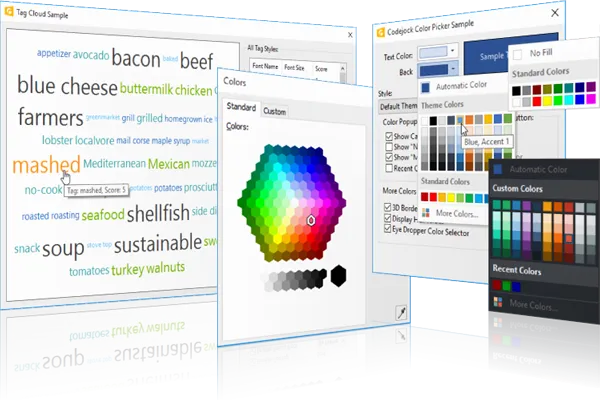
Controls UI Component Suite
for v24.3.0
Controls for provides Windows developers with versatile user interface components that have been thoroughly designed and tested.
Controls is included in Toolkit Pro for
Key Features
Codejock Controls for provides several options to choose from including Buttons, Combo Box, Common Dialogs, Progress Bars, Edit Controls, Alert Popup Widows, Themed Scroll Bars, Tab Controls, Shell Controls, XAML Markup Support, Taskbar Manager and much more!
Controls is included with the Toolkit Pro for evaluation.
Buttons and Selection Controls
Add polished buttons, combo boxes, color pickers, font selectors, check lists, tree controls, and list controls for common user input and selection workflows.
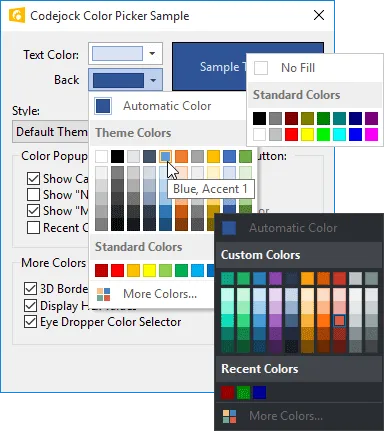
Apply the Color Picker Control style to give Controls a polished look that fits familiar desktop UI themes. It adds useful detail for production desktop applications.
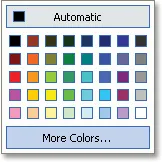
Display an Office-style color selector popup that lets users choose standard colors, add custom colors, and return selected color values through a polished interface.
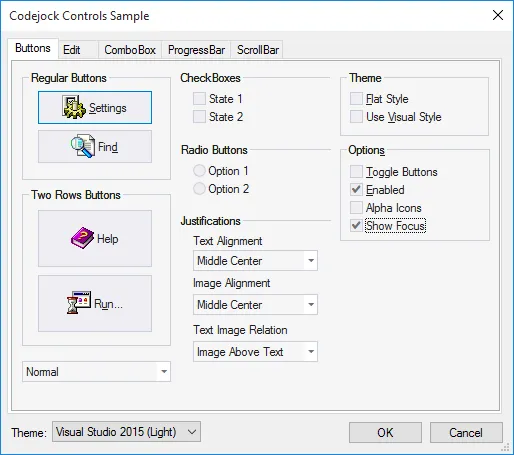
Create polished themed buttons with flat, semi-flat, and 3D styles. It helps applications feel polished and consistent while keeping control behavior practical for common desktop workflows.
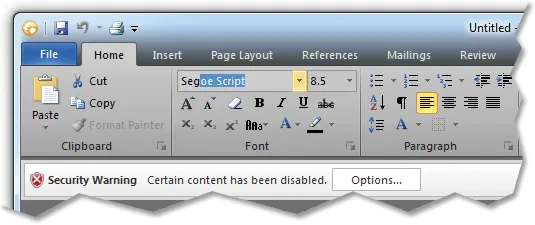
Help users find combo box items faster with auto-complete suggestions that refine as they type, reducing the need to scroll through long item lists. It improves clarity for everyday users.
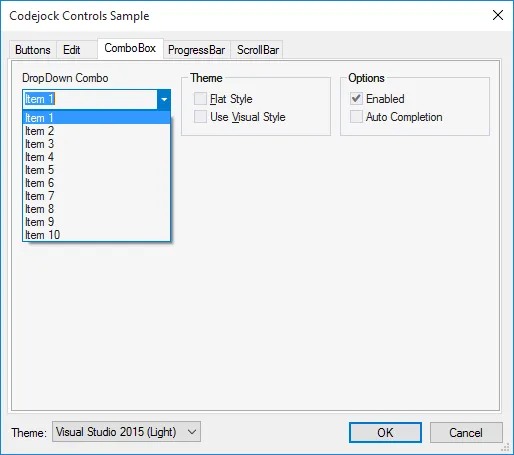
Apply built-in visual themes to combo box controls so selection fields match the appearance of the surrounding application interface. It improves clarity for everyday users.
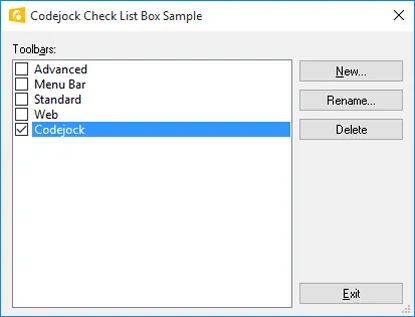
Display selectable list items with check boxes using an Office-style check list box. It adds useful detail for production desktop applications. It improves clarity for everyday users.
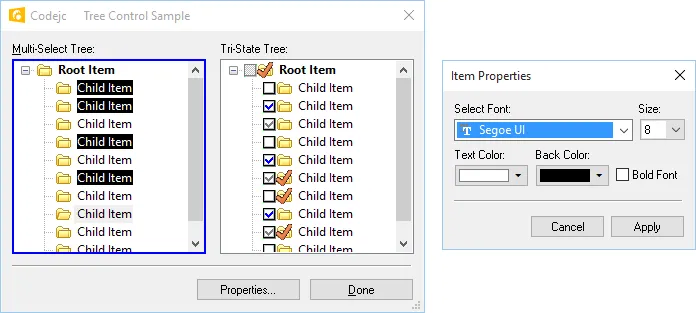
Select multiple tree items, sort and search nodes, customize font appearance, and control selection behavior for more advanced tree-based data navigation.
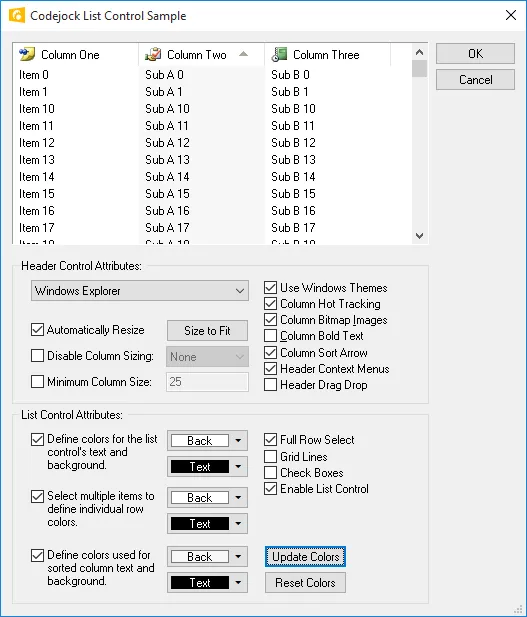
Create Outlook-style list controls with themed headers, sort arrows, column sizing, bold or normal text, minimum column widths, and flexible display behavior.
Edit Controls
Provide flexible data entry with browse edit fields, masked input, hex editing, editable lists, and themed edit controls for professional desktop applications.
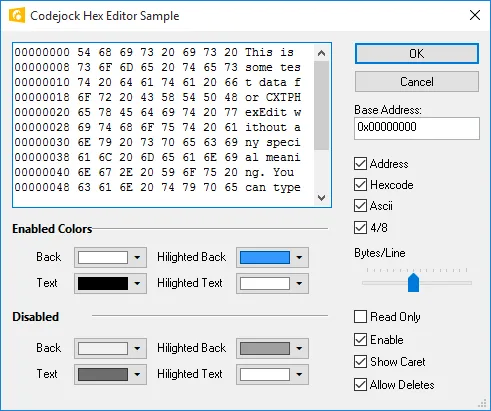
Display and edit hexadecimal data with configurable styles and selection support, ideal for applications that need low-level data viewing or editing. It improves clarity for everyday users.
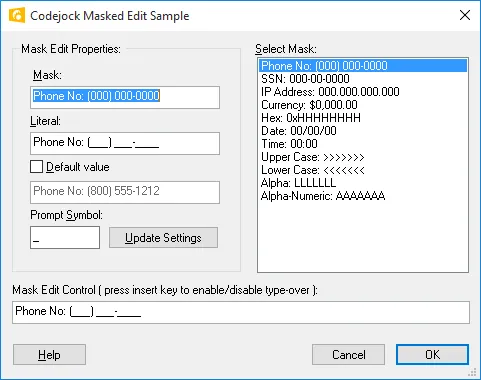
Create formatted input fields using custom masks for dates, phone numbers, codes, or other structured values, with control over accepted characters and default display text.
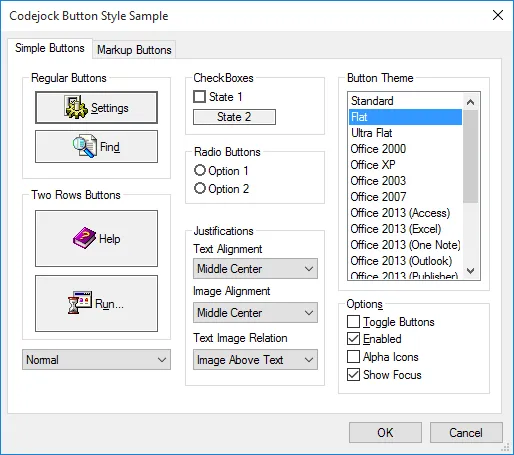
Apply built-in visual themes to edit controls so text input fields match the appearance of the rest of your application interface. It adds useful detail for production desktop applications.
User Assistance Controls
Guide users through common tasks with tip dialogs, directory browsing, task dialogs, search options, color selection tools, and helpful tip windows.
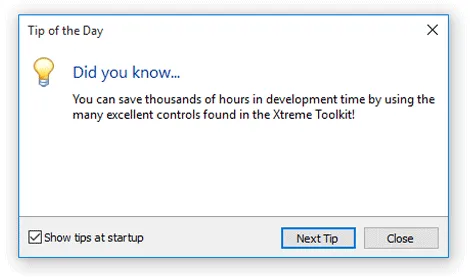
Add a Visual Studio-style Tip of the Day dialog that reads tips from a simple text file and stores user preferences in the registry or an INI file. It improves clarity for everyday users.
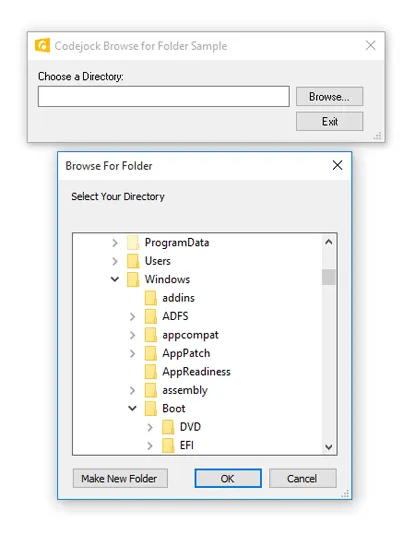
Display a folder selection dialog with minimal code, including support for setting the startup directory and retrieving the user’s selected folder. It improves clarity for everyday users.
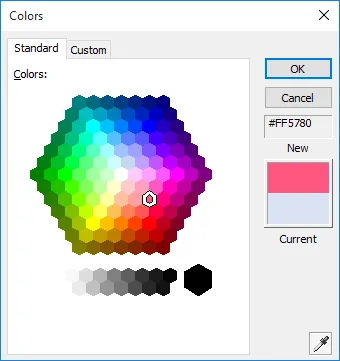
Provide an Office-style color selection dialog with standard and custom color pages, automatic or fill color modes, hex display, and extended color selection options.
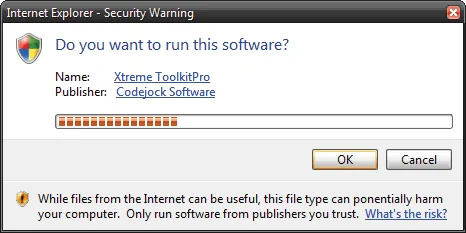
Display flexible task dialogs with custom messages, titles, verification check boxes, command links, push buttons, and configurable icon options. It improves clarity for everyday users.
Layout and Navigation Controls
Build adaptable desktop interfaces with layout managers, splitters, window positioning, headers, caption bars, and MDI window list management.
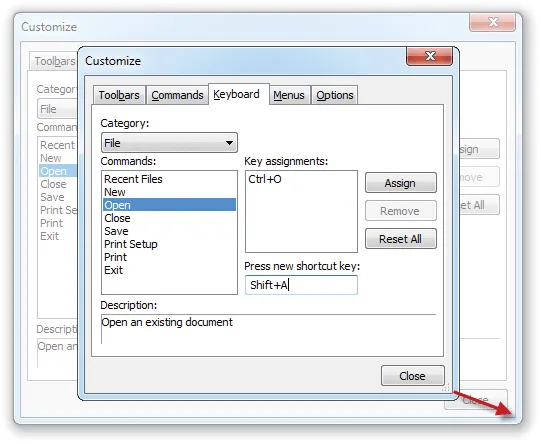
Create flicker-free resizable dialogs, form views, and property sheets by defining how controls move and resize as the window changes size. It improves clarity for everyday users.
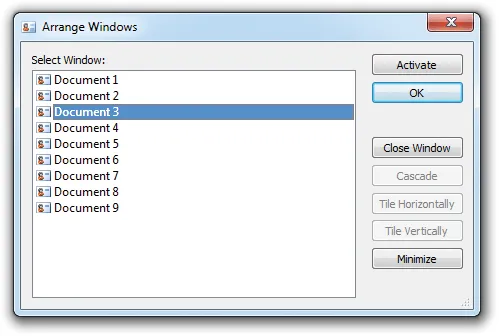
Manage open MDI documents with a dedicated window manager that lets users select, organize, and work with multiple open documents at runtime. It improves clarity for everyday users.
Tab and Workspace Controls
Create familiar tabbed workspaces with Excel-style tabs, MDI tab views, enhanced tab controls, and built-in themes for documents, panels, and views.
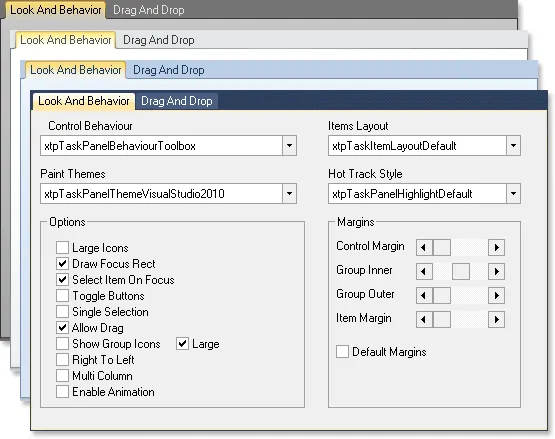
Apply built-in tab themes inspired by Visual Studio, Office, Windows, and other familiar interface styles without additional theme development. It improves clarity for everyday users.
Progress, Scroll, and Preview Controls
Add preview, progress, and scroll bar controls that provide clear feedback, smooth navigation, and theme-consistent interaction across your application.
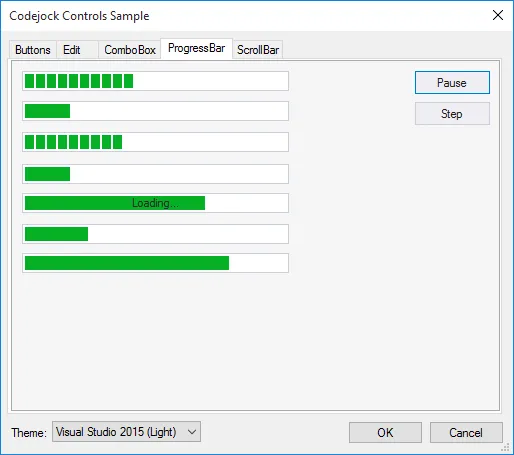
Show operation progress with themed progress bars that match popular application styles, including Office-inspired appearances. It adds useful detail for production desktop applications.
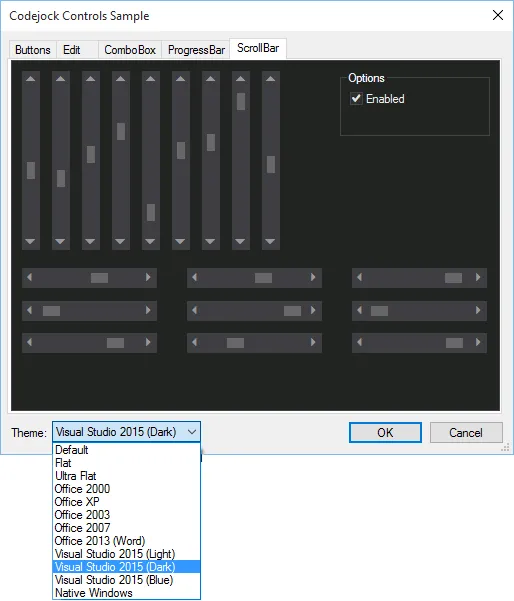
Provide themed scroll bars for navigating long lists, large content areas, and data-heavy interfaces while maintaining a consistent application style.
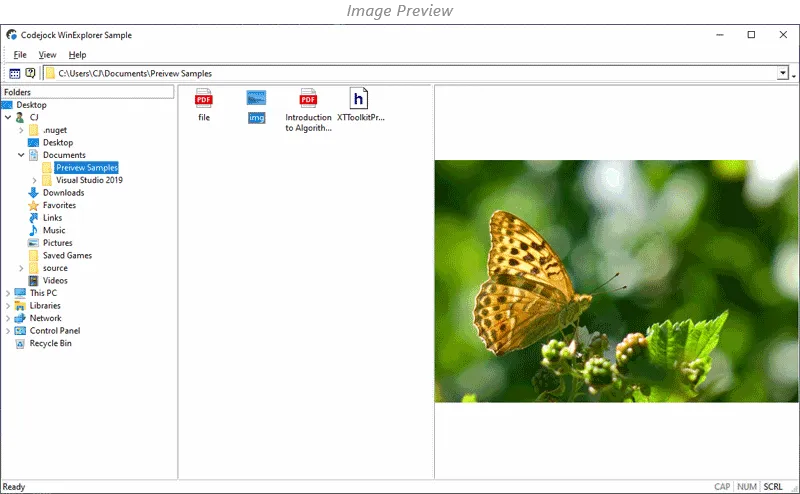
Preview common file types directly in your application using available system preview handlers, with support for both static and interactive previews when available.
Toast Popup Controls
Display modern toast-style notifications with theme support, animation options, transparency, hyperlinks, and timing controls for polished user messaging.
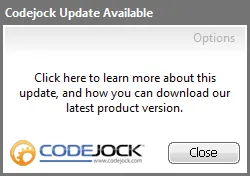
Display toast-style popup notifications with built-in themes, images, tooltips, and user customized appearances. It adds useful detail for production desktop applications.
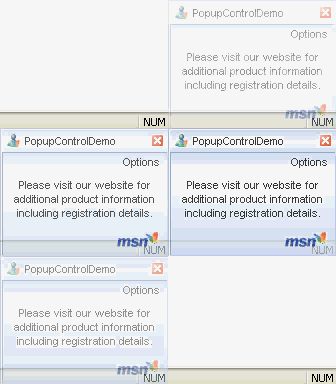
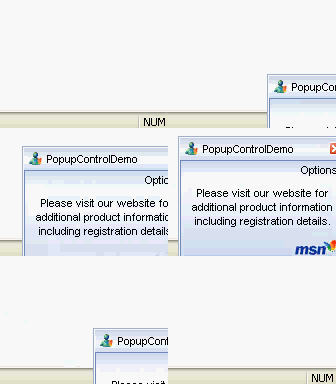
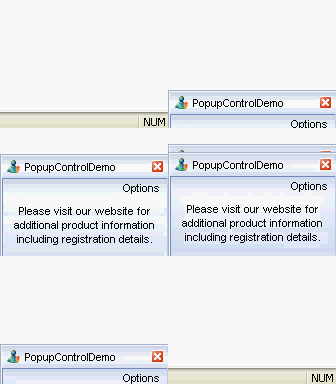
Configure popup notification animations with built-in effects such as unfold, slide, fade, or none for a smoother message display experience. It improves clarity for everyday users.
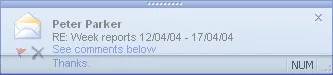
Customize popup transparency and add clickable hyperlinks so notifications can include interactive text and action-oriented messages. It improves clarity for everyday users.
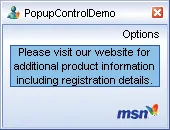
Customize popup item backgrounds, popup window colors, and border colors to highlight content and match the surrounding application design. It improves clarity for everyday users.

Add popup notification icons and buttons with separate normal, hover, and clicked artwork for richer interactive message layouts. It adds useful detail for production desktop applications.
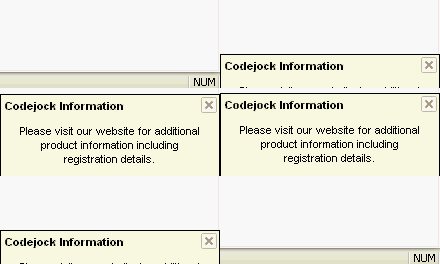
Control how long popup notifications remain visible and how quickly they animate open or closed, giving you precise control over notification timing. It improves clarity for everyday users.
Shell and System Controls
Integrate with the Windows desktop using tray icon support and taskbar manager functionality for system-aware application behavior.
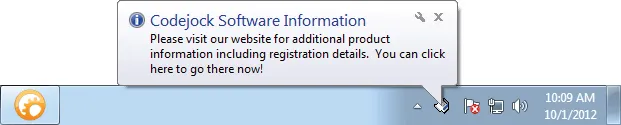
Add application icons to the Windows system tray with support for popup menus, balloon tips, animation, minimize-to-tray behavior, and quick restore actions.
Enhance the Windows taskbar button with overlay icons, progress indicators, and jump list support for a more integrated desktop experience. It improves clarity for everyday users.
Markup and Display Controls
Enhance interface presentation with XAML markup support, tag clouds, and hyperlink controls for richer text, visual organization, and interactive content.
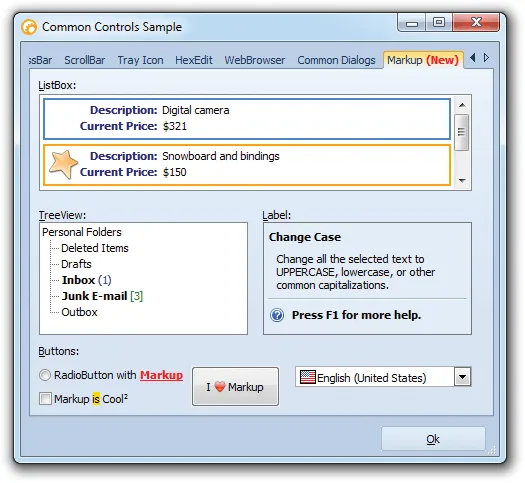
Format control content with XAML markup for richer text presentation, using the supplied XAML editor utility to create reusable snippets for supported controls.
Performance and DPI Support
Improve visual quality with flicker-free drawing, animation support, and DPI-aware rendering for sharp, responsive interfaces on modern displays.

Build DPI-aware interfaces that scale cleanly across modern monitors and resolutions, especially when combined with vector icons and built-in XAML markup support.
Broad compatibility across Visual Studio, Windows desktop, and Windows Server releases — from modern environments to legacy deployments.
Development environments
- Visual Studio 2022
- Visual Studio 2019
- Visual Studio 2017
- Visual Studio 2015
- Visual Studio 2013
- Microsoft Access
- Visual Studio 2012
- Visual Studio 2010
- Visual Studio 2008
- Visual Studio 2005
- Visual Studio .NET 2003
- Visual Studio .NET 2002
- Visual Basic 6.0
Client operating systems
- Windows 11
- Windows 10
- Windows 8.1
- Windows 8
- Windows 7
- Windows Vista
- Windows XP
- Windows Me
- Windows 2000
- Windows 98 SE
- Windows 98
- Windows 95
Server environments
- Windows Server 2022
- Windows Server 2019
- Windows Server 2016
- Windows Server 2012 R2
- Windows Server 2012
- Windows Server 2008 R2
- Windows Server 2008
- Windows Server 2003 R2
- Windows Server 2003
- Windows 2000
- Windows NT 4.0
Baseline development and runtime support
- Compiler: Visual Basic 6.0
- Runtime: Windows 95 / NT 4.0