More control over controls
New MFC static, slider, and resizable-dialog classes expand theming and layout. ActiveX adds shell controls and edit cue text.
Product-specific additions
What's New Toolkit Pro & Suite Pro
Modernize your Windows interface. Bring more insight to your charts. Discover what's new for Visual C++ MFC and ActiveX COM.
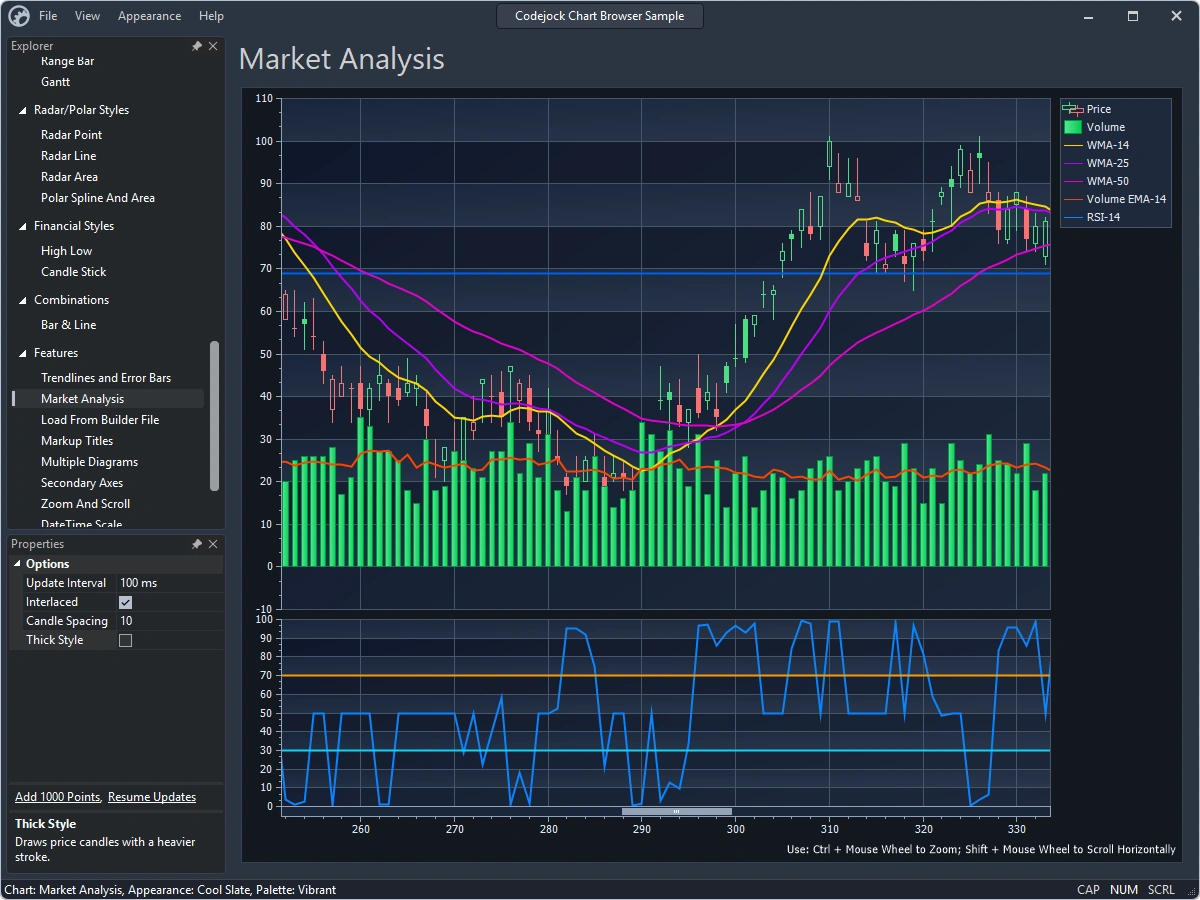
01 / A modern Windows experience
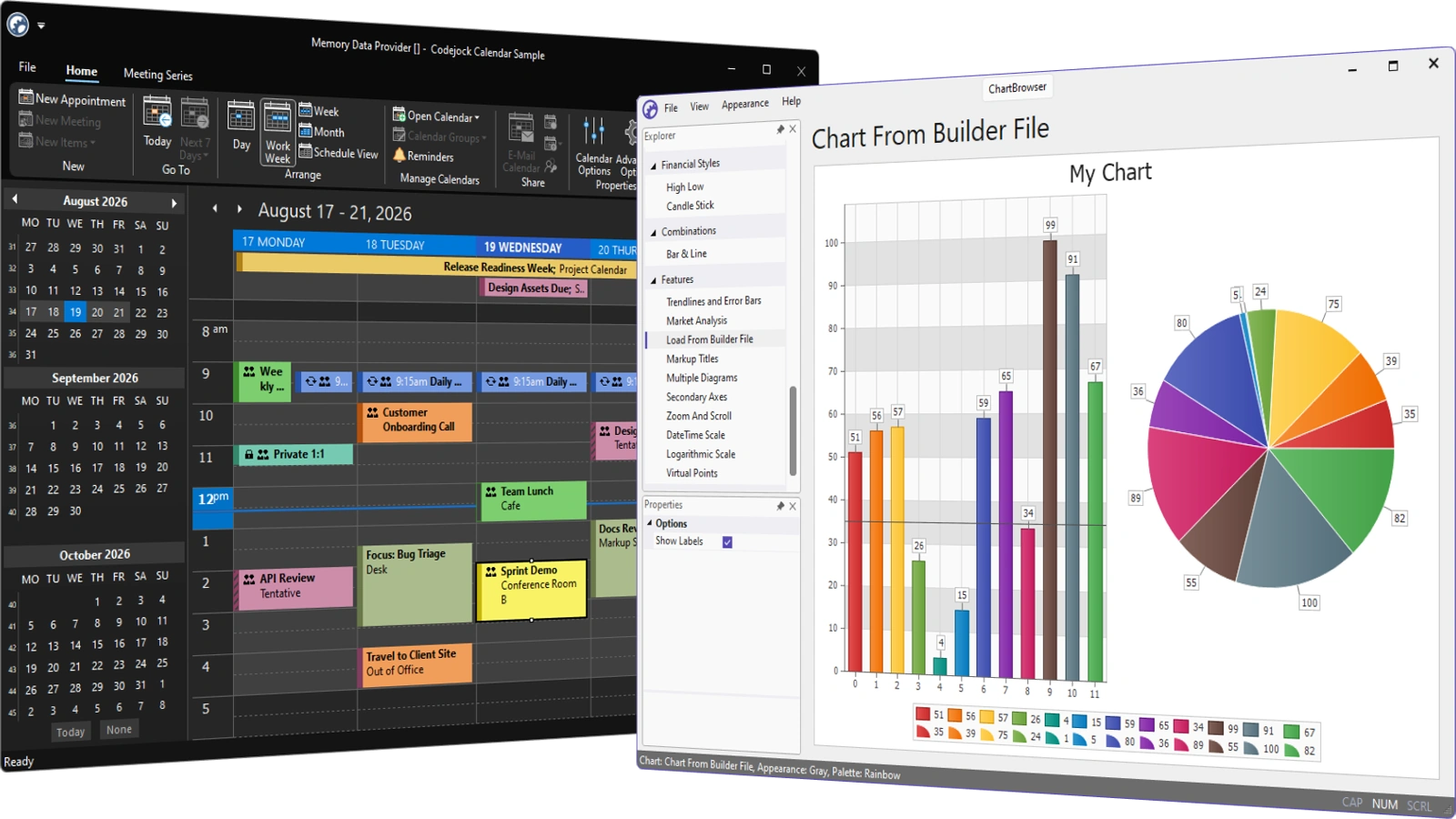
New Visual Studio 2026 and Office 2024 themes bring a coordinated look to application frames, ribbons, menus, docking panes, and applicable controls.
13Visual Studio 2026 themes, including 7 light and 6 dark variants
28Office 2024 theme combinations across 4 styles and 7 accent colors
Dark + LightModernized appearance and consistent styling across Toolkit Pro and Suite Pro
Explore 13 Visual Studio 2026 theme variants that include Juicy Plum, Dark, Cool Breeze, Icy Mint, Moonlight Glow, Spicy Red, Mango Paradise, Mystical Forest, Cool Slate, Bubblegum, Light, Sunny Day, and Silky Pink.
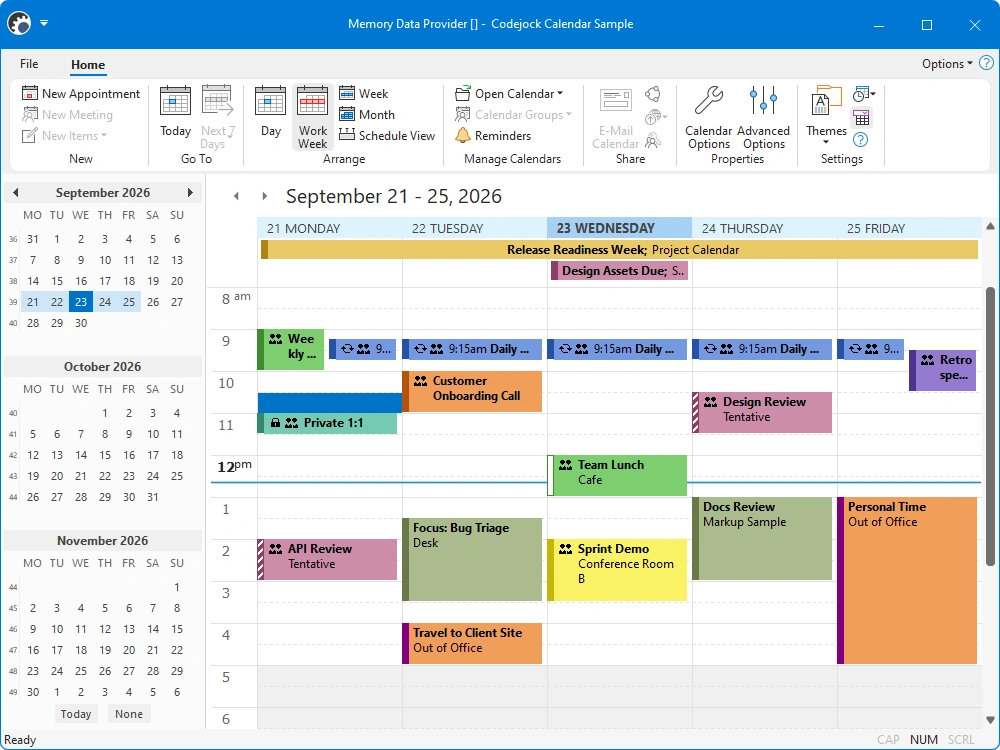
Explore Black, White, Colorful, and Dark Gray styles with Access, Excel, OneNote, Outlook, PowerPoint, Publisher, and Word accent colors.
Also in v26: Office 2019 theme support, refined Windows 11 colors, DWM-managed frame and popup corners, and improved theme switching. Availability varies by control and platform.
02 / Charting that goes further
Build richer analysis directly into your application with computed series, financial functions, and synchronized data.
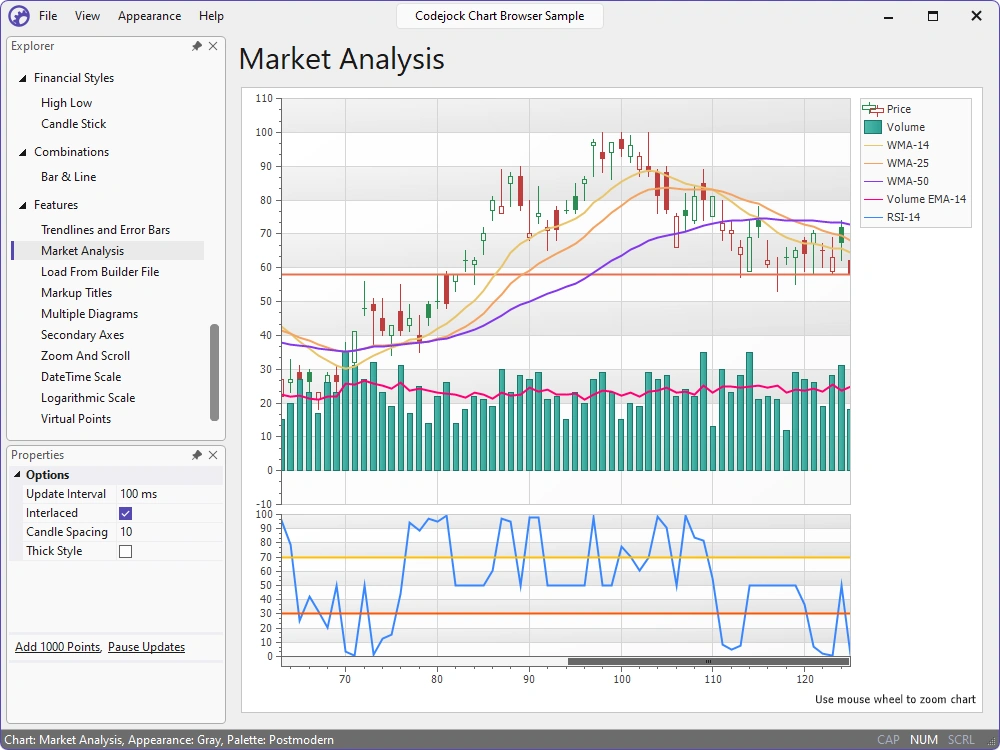
The Market Analysis sample combines price, volume, moving averages, and an RSI diagram in one view.
New in MFC & ActiveX
New 3D Line charts support tube and ribbon series shapes, configurable depth, markers, and point-label display modes.
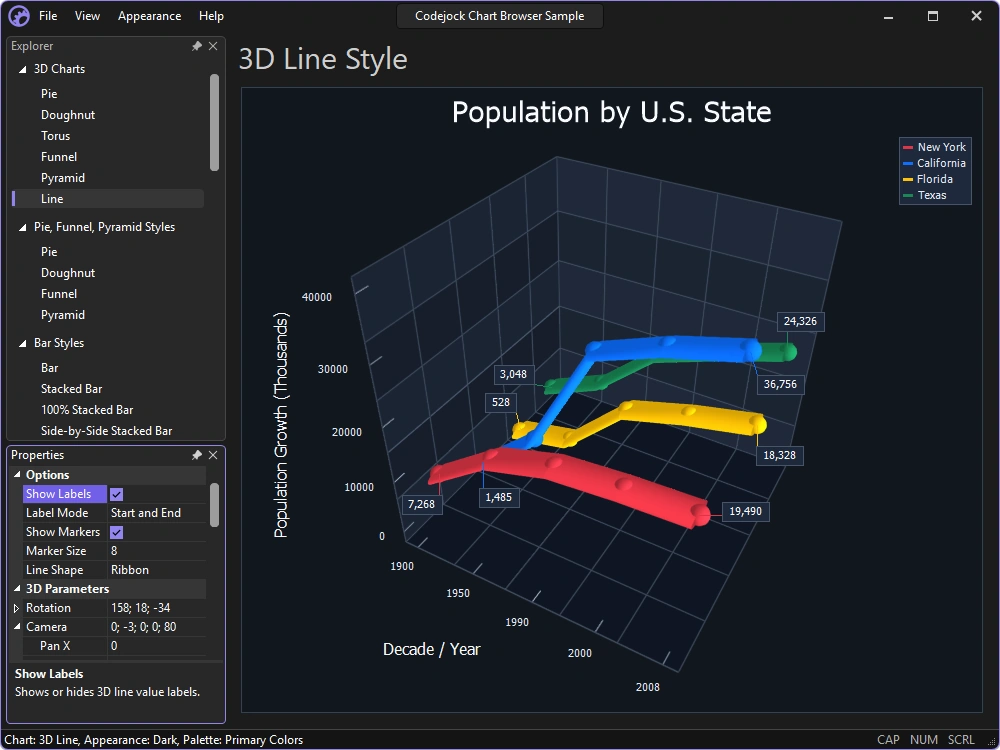
The Chart Browser sample shows multiple ribbon-shaped series, markers, and point labels in a 3D diagram.
03 / Workspaces built for your application
Build document editing into your application with reusable themed workspaces, rich-text views, and document rulers.
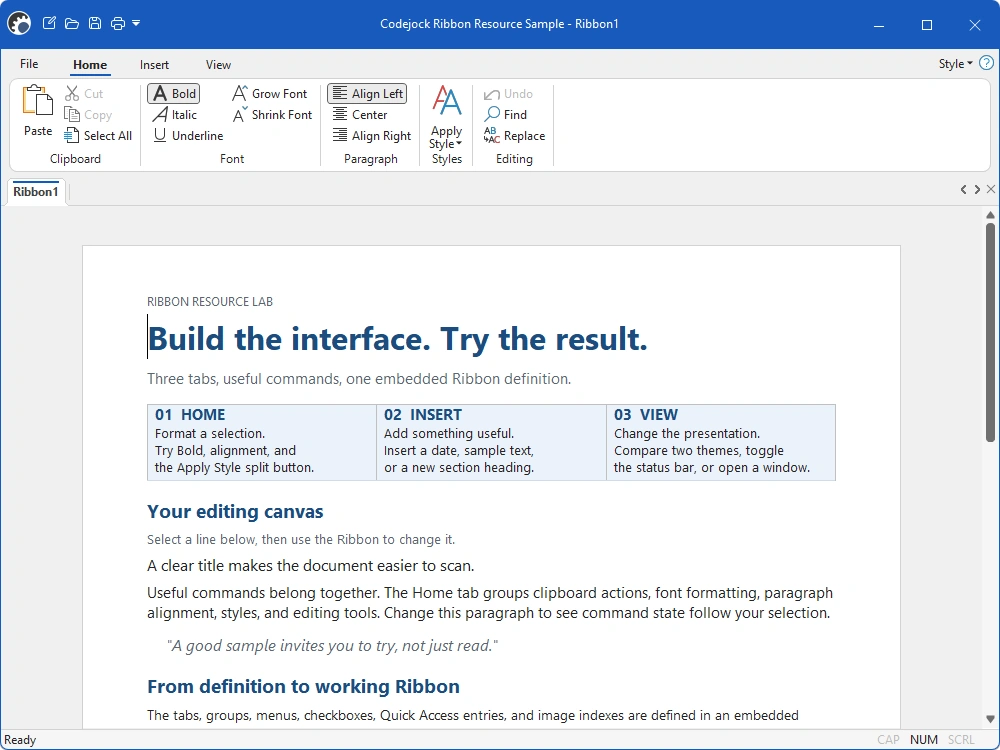
The RibbonResource sample combines a resource-built Ribbon with an editable rich-text document. Explore the new workspace classes for page sizing, coordinated scrolling, and rulers.
A more consistent Windows experience
Bring tool windows, application frames, and popup menus into the same visual language.
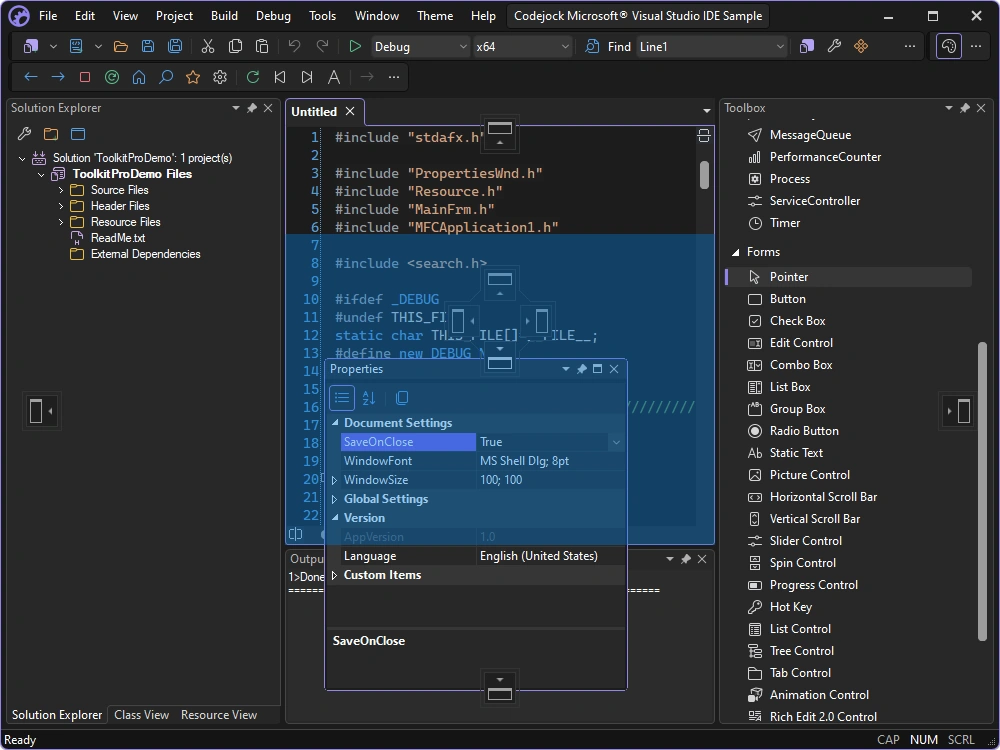
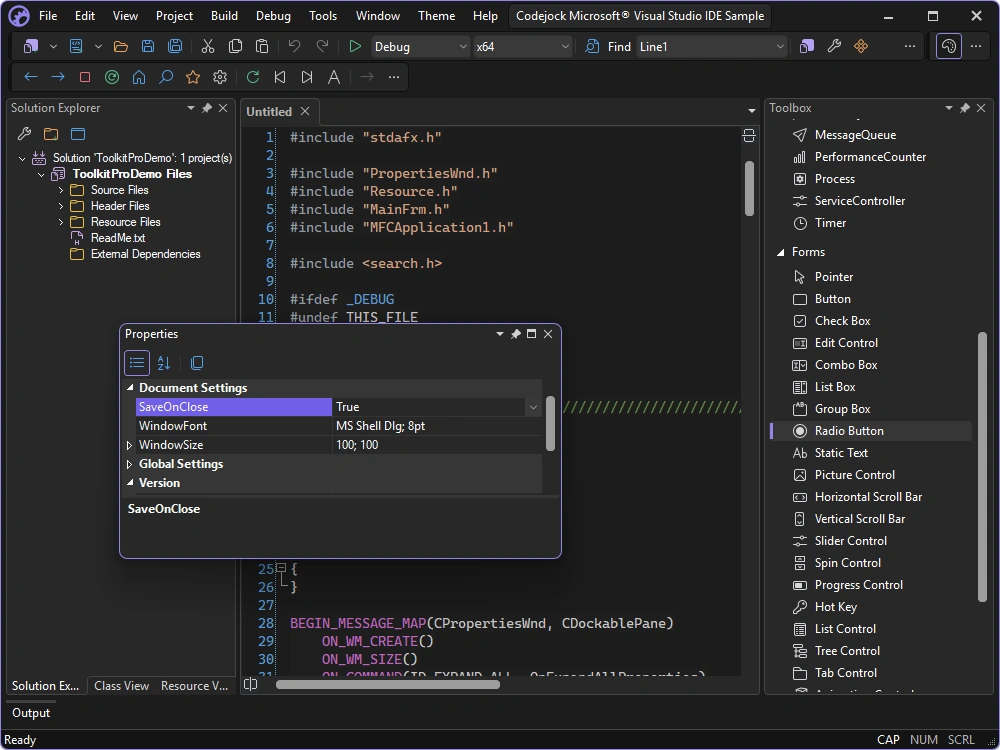
The Visual Studio-style sample shows a floating Properties pane, docking guides, and a placement preview.
04 / More in v26
Expanded controls, improved localization, and updated development tools help you move existing applications forward.
New MFC static, slider, and resizable-dialog classes expand theming and layout. ActiveX adds shell controls and edit cue text.
Product-specific additionsReworked language support, new locale-management APIs, and an ActiveX resource-file locale setting give you more control over translations.
MFC & ActiveXVisual Studio 2026 wizard and deployment support simplifies setup. The MFC VS6 Project Converter adds x64 configurations and C++23 support while preserving more project settings.
Toolkit Pro / MFC migration toolsPlace captions above shapes and connect at rectangle side centers. New and expanded Flow Graph samples cover UML, network, and application architecture diagrams.
Flow GraphConfigurable background colors and transparent child gauges help dashboards blend into your interface, with dedicated ActiveX properties.
Gauge / MFC & ActiveXUpdated Grid, Chart Browser, Stock, and document samples demonstrate current themes and workflows. ChartBuilder adds PNG, GIF, JPEG, and BMP export.
Sample coverage varies by product05 / Take the next step
Explore Toolkit Pro and Suite Pro evaluations, or sign in to access your available licensed downloads. Review the release notes for product-specific changes and availability.
Existing customers
Open your Toolkit Pro or Suite Pro product in Purchased Downloads to find your available installers and keys. Available versions depend on your license and maintenance coverage.
Need to renew? Use your download details or contact us.
Choose your platform to view available 30-day evaluations on the downloads page.
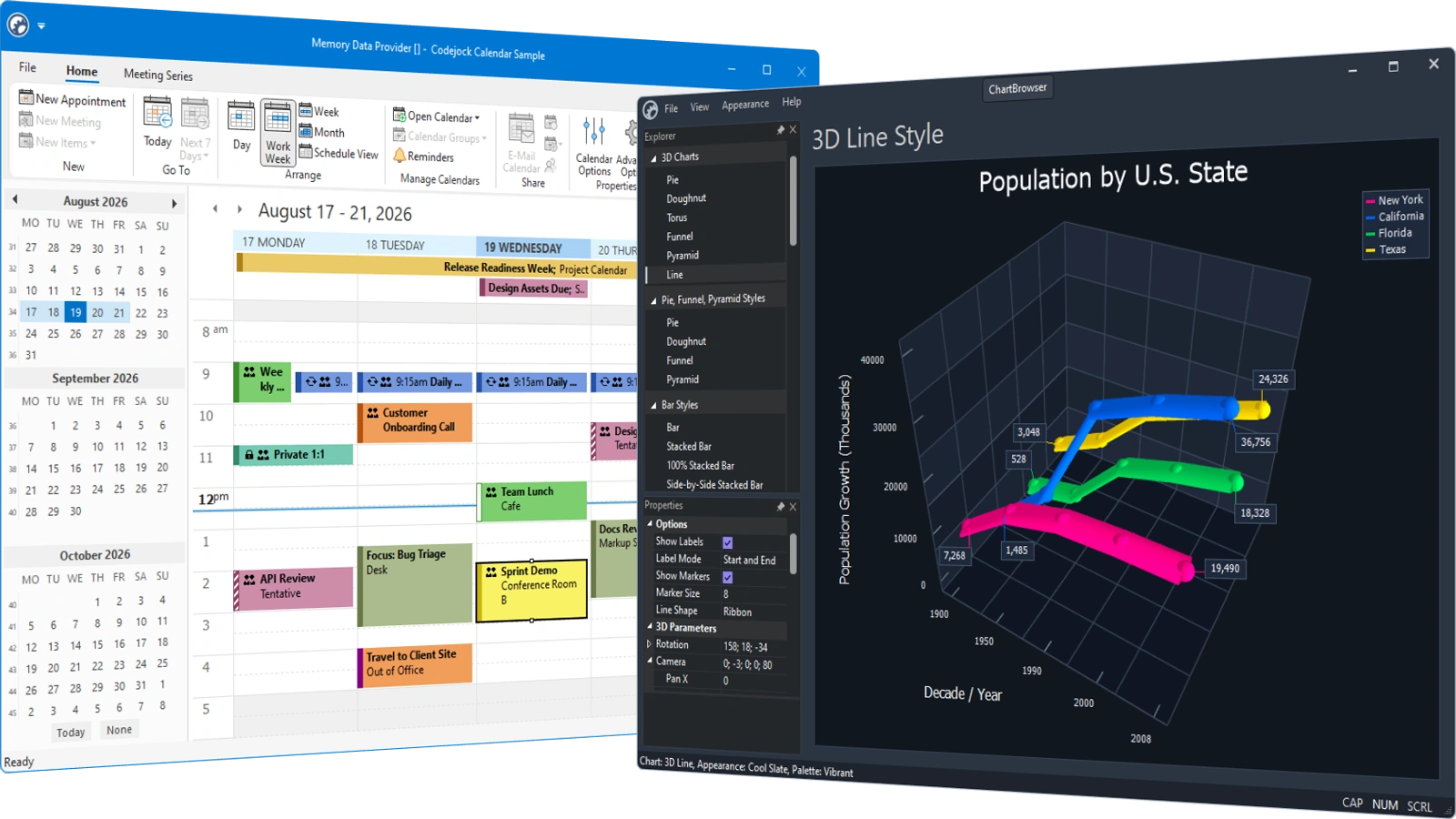
A free account is required to download an evaluation. The existing 30-day trial policy applies. Downloading another version does not restart a previous trial.
Help & resources
Find help with upgrading, integrating new features, and getting the most from Toolkit Pro and Suite Pro. Visit support for assistance, or connect with other developers in the community forum.
Review the full release notes