
Ribbon
for Visual C++ MFC v24.3.0
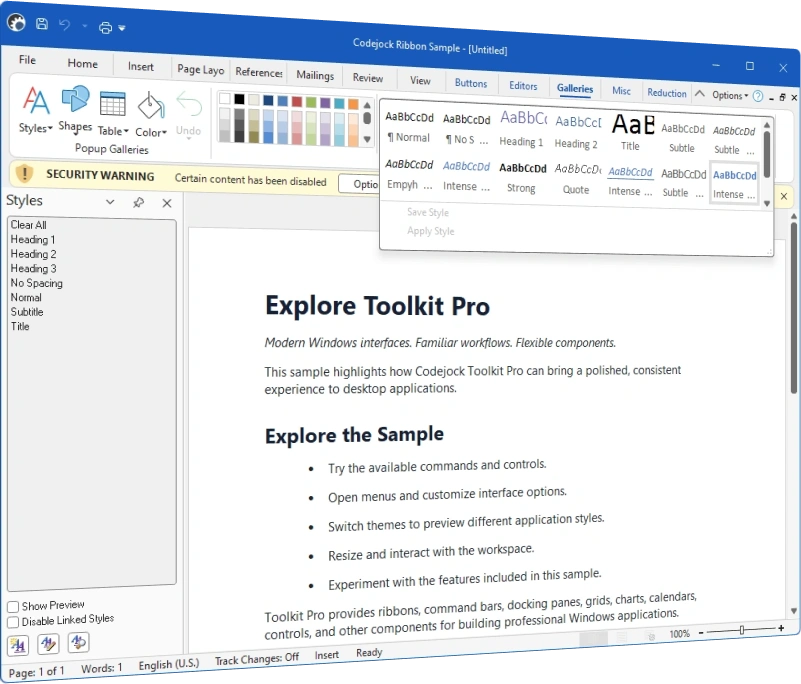
Codejock Ribbon provides Office-style ribbon bars, groups, tabs, backstage views, quick access controls, galleries, contextual tabs, and current Office, Visual Studio, and Windows themes.
Ribbon is included in Toolkit Pro for Visual C++ MFC
Ribbon Features
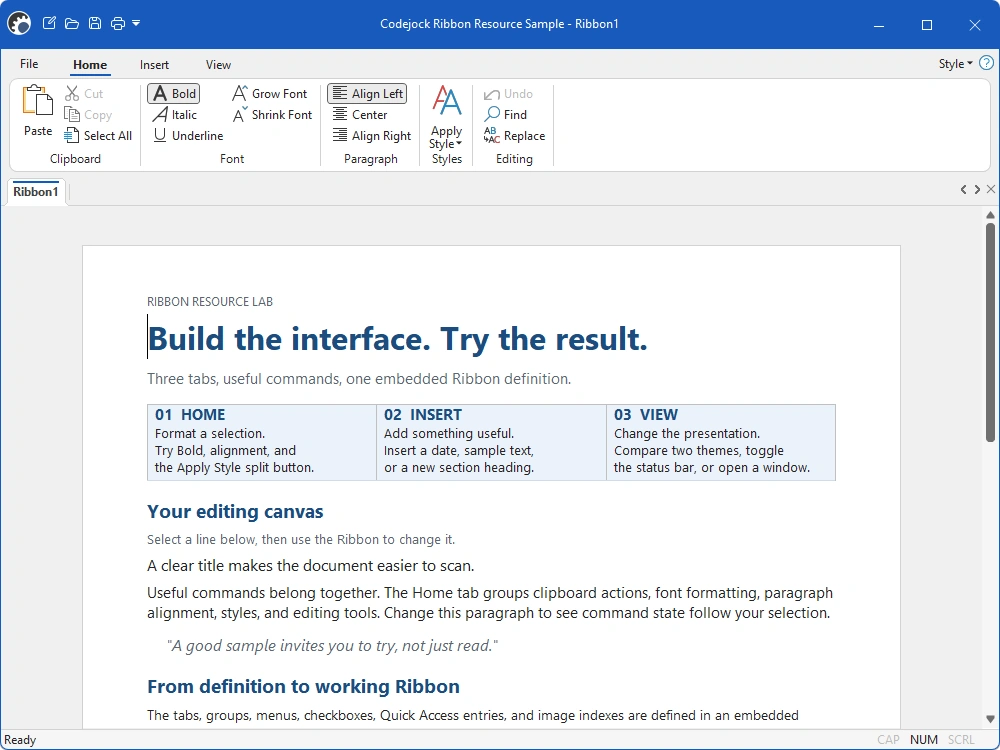
Ribbon builds Office-style command surfaces with tabs, groups, galleries, backstage pages, quick access controls, and modern theme support.
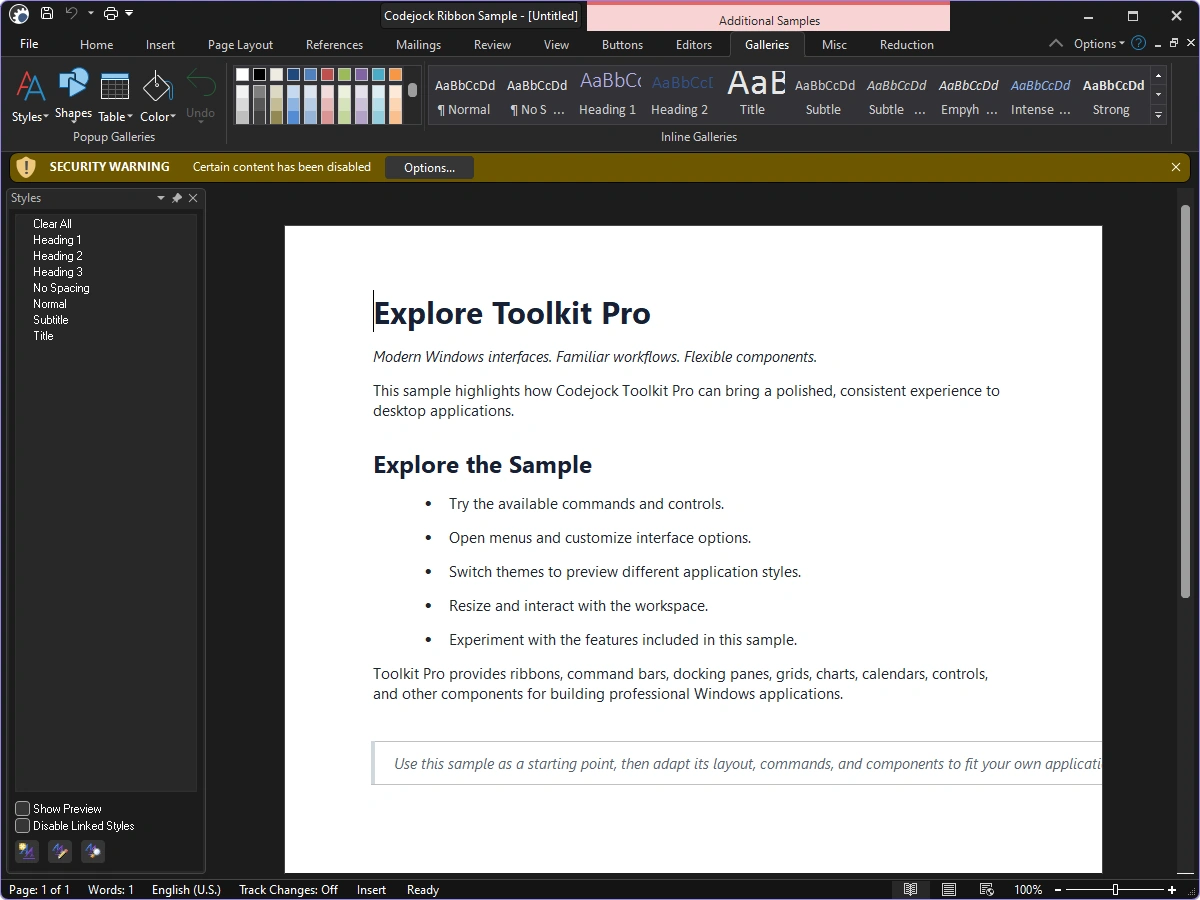
Ribbon Themes
Apply current Visual Studio, Office, and Windows styling to ribbon tabs, groups, controls, backstage views, and application frames.
- Visual Studio Themes — Choose Visual Studio 2026 Dark or Light styling. Dark includes Default, Cool Slate, Juicy Plum, Moonlight Glow, Mystical Forest, and Spicy Red. Light includes Default, Bubblegum, Cool Breeze, Icy Mint, Mango Paradise, Silky Pink, and Sunny Day. Earlier themes include Visual Studio 2022 and Visual Studio 2015-2019.
- Office Themes — Use Office 2024 Black, White, Colorful, or Dark Gray with Access, Excel, OneNote, Outlook, PowerPoint, and Word accents, plus Office 2019, 2016, and 2013 styling.
- Windows Themes — Choose Windows 11 Dark or Light styling and native Windows 10 ribbon surfaces.
Ribbon Commands and Customization
Organize commands into discoverable tabs, groups, galleries, and application-level views.
- Ribbon Bar — Build tabbed command surfaces with grouped controls and contextual organization.
- Runtime Customization — Let users rearrange ribbon commands and Quick Access Toolbar content.
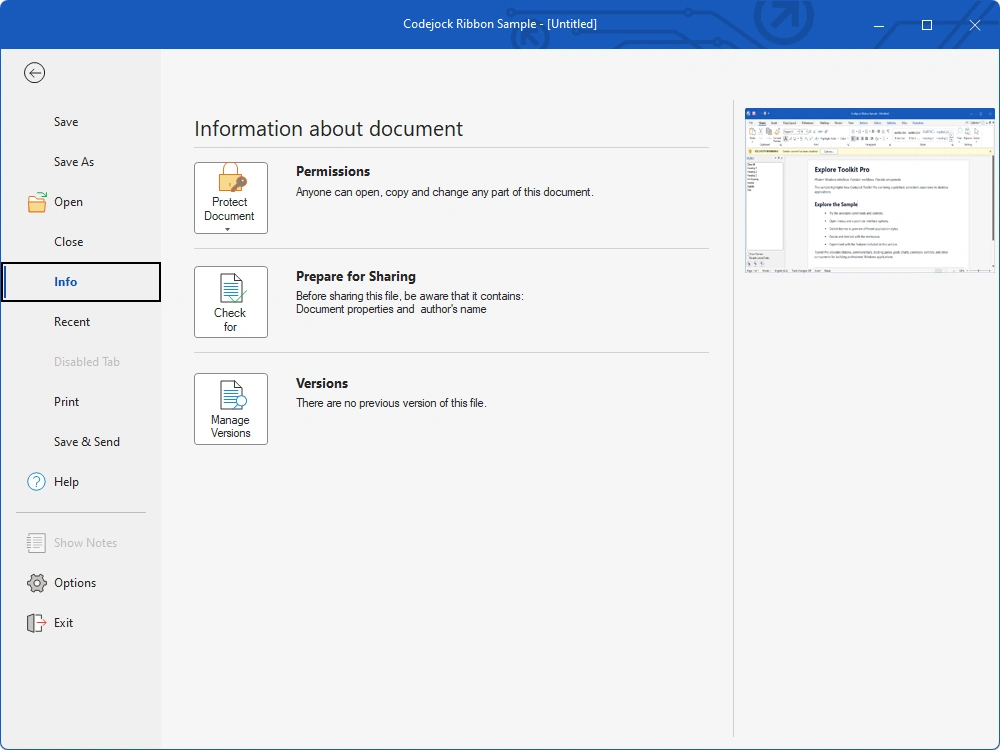
- Backstage View — Create full-window application menus for files, printing, settings, and navigation.
- Ribbon Groups — Arrange related commands in labeled, collapsible groups within each tab.
- Gallery Controls — Present visual choices in compact inline or expanded ribbon galleries.
- Minimized Ribbon — Collapse the ribbon to tabs and restore groups when users select a tab.
- ScreenTips — Explain commands with titles, descriptions, shortcuts, and optional imagery.
- Right-to-Left Layout — Mirror ribbon navigation and command layout for right-to-left interfaces.
Ribbon Composition
Use dedicated builders, collections, and application controls to assemble complete ribbons.
- Ribbon Builder — Construct ribbon tabs, groups, and controls from resource definitions.
- Quick Access Toolbar — Manage a customizable collection of frequently used commands.
- System Button — Provide a dedicated application command entry point beside ribbon tabs.
- Backstage Pages — Host recent-file, print, settings, and custom application pages.
Broad compatibility across Visual Studio, Windows desktop, and Windows Server releases — from modern environments to legacy deployments.
Development environments
- Visual Studio 2026 (VC++ 18.0)
- Visual Studio 2022 (VC++ 17.0)
- Visual Studio 2019 (VC++ 16.0)
- Visual Studio 2017 (VC++ 15.0)
- Visual Studio 2015 (VC++ 14.0)
- Visual Studio 2013 (VC++ 12.0)
- Visual Studio 2012 (VC++ 11.0)
- Visual Studio 2010 (VC++ 10.0)
- Visual Studio 2008 (VC++ 9.0)
- Visual Studio 2005 (VC++ 8.0)
- Visual Studio .NET 2003 (VC++ 7.1)
- Visual Studio .NET 2002 (VC++ 7.0)
- Visual Studio 6.0 (VC++ 6.0)
Client operating systems
- Windows 11
- Windows 10
- Windows 8.1
- Windows 8
- Windows 7
- Windows Vista
- Windows XP
- Windows Me
- Windows 2000
- Windows 98 SE
- Windows 98
- Windows 95
Server environments
- Windows Server 2025
- Windows Server 2022
- Windows Server 2019
- Windows Server 2016
- Windows Server 2012 R2
- Windows Server 2012
- Windows Server 2008 R2
- Windows Server 2008
- Windows Server 2003 R2
- Windows Server 2003
- Windows 2000
- Windows NT 4.0