
Command Bars Sample Applications
Explore working applications that demonstrate menus, toolbars, ribbons, customization, galleries, themes, status bars, and advanced command routing with Codejock Command Bars.
Each download includes a compiled demo and source code you can use to review implementation patterns alongside the product documentation.
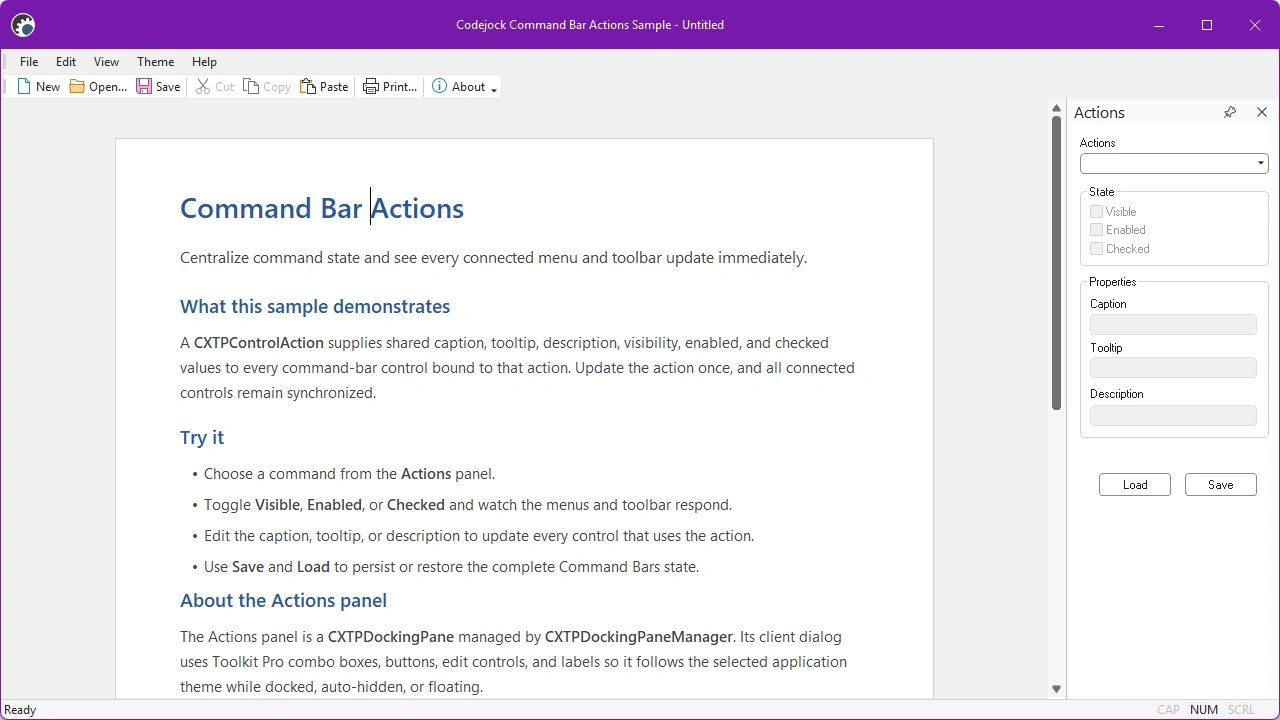
Command Bar Actions shows how one action can manage the state and properties of every control that shares a command ID, including controls added to custom menus and toolbars.
Size: 14.56 Mb
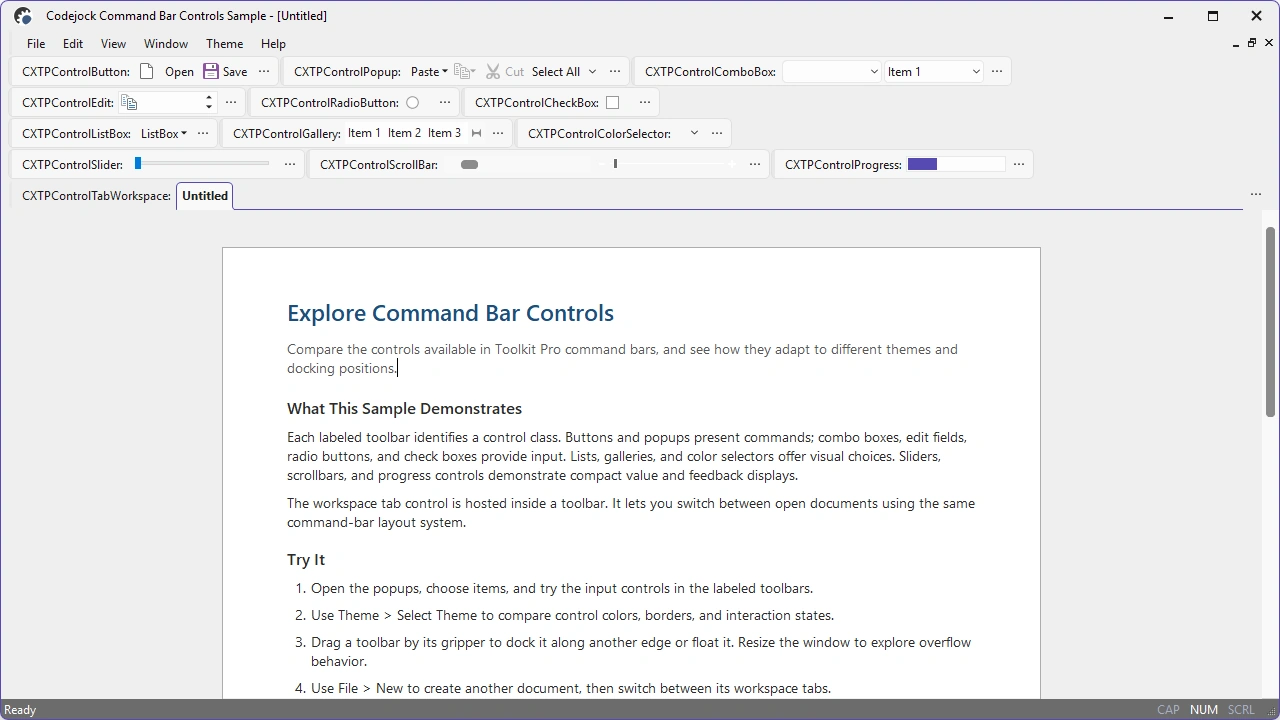
Command Bar Controls presents the built-in control types available to menus, toolbars, and ribbons. It also demonstrates drag-and-drop customization, keyboard shortcuts, and flexible command-bar positioning.
Size: 14.44 Mb
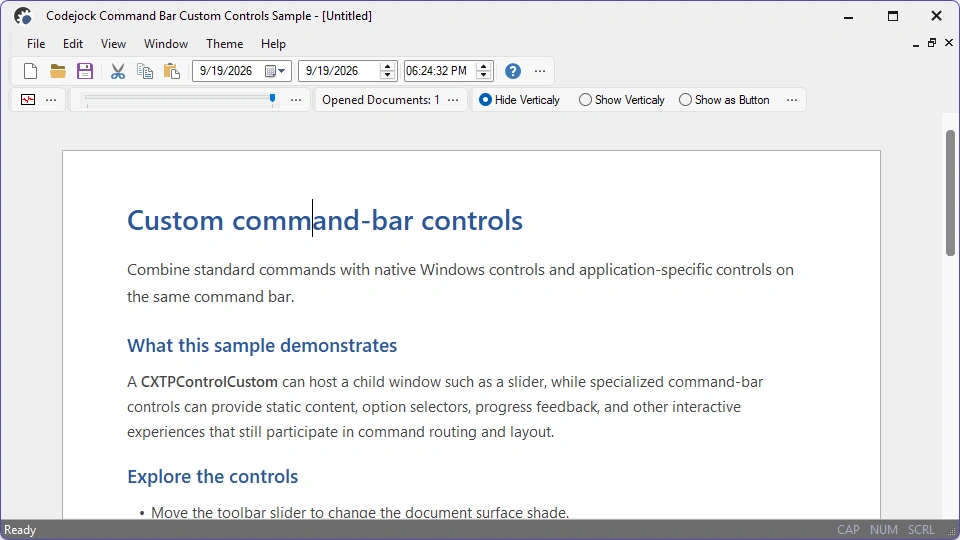
Command Bar Custom Controls demonstrates how to embed custom controls such as date pickers, animation, sliders, and option buttons in a toolbar, with layouts that adapt to horizontal and vertical docking.
Size: 14.45 Mb
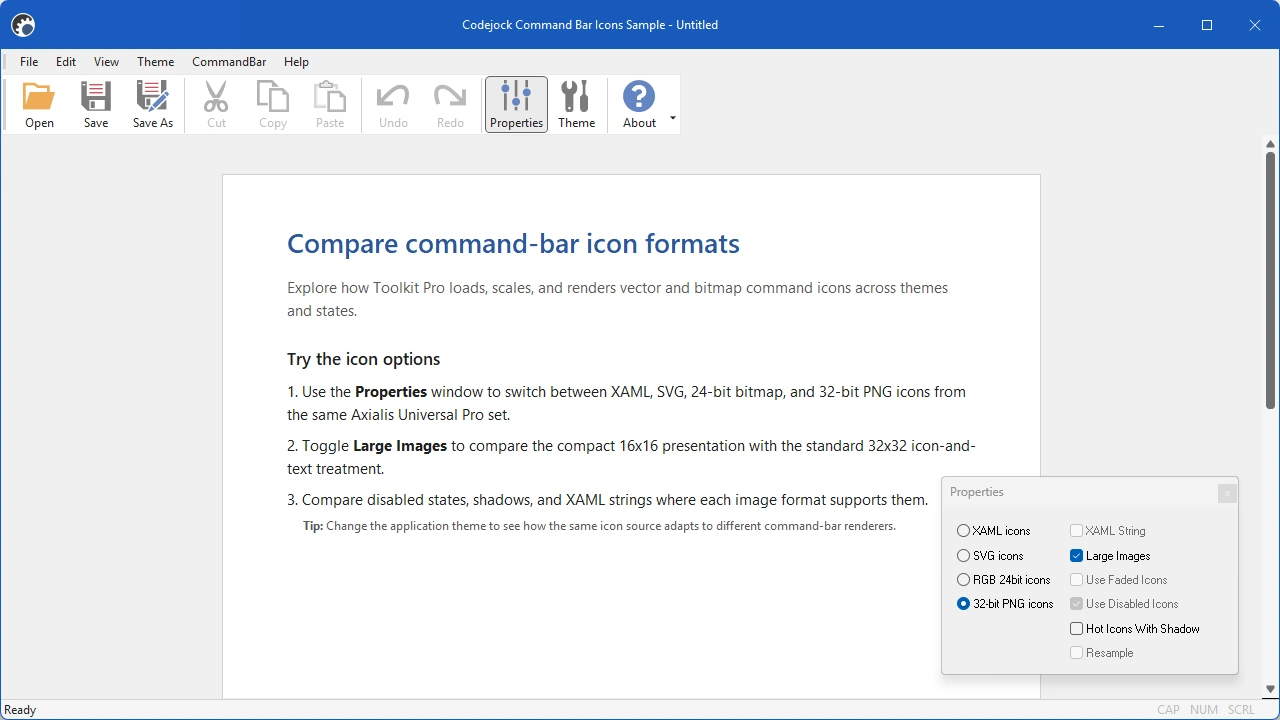
Command Bar Icons demonstrates Image Manager support for normal, hot, pressed, and disabled states, along with vector artwork and DPI-aware rendering.
Size: 14.8 Mb
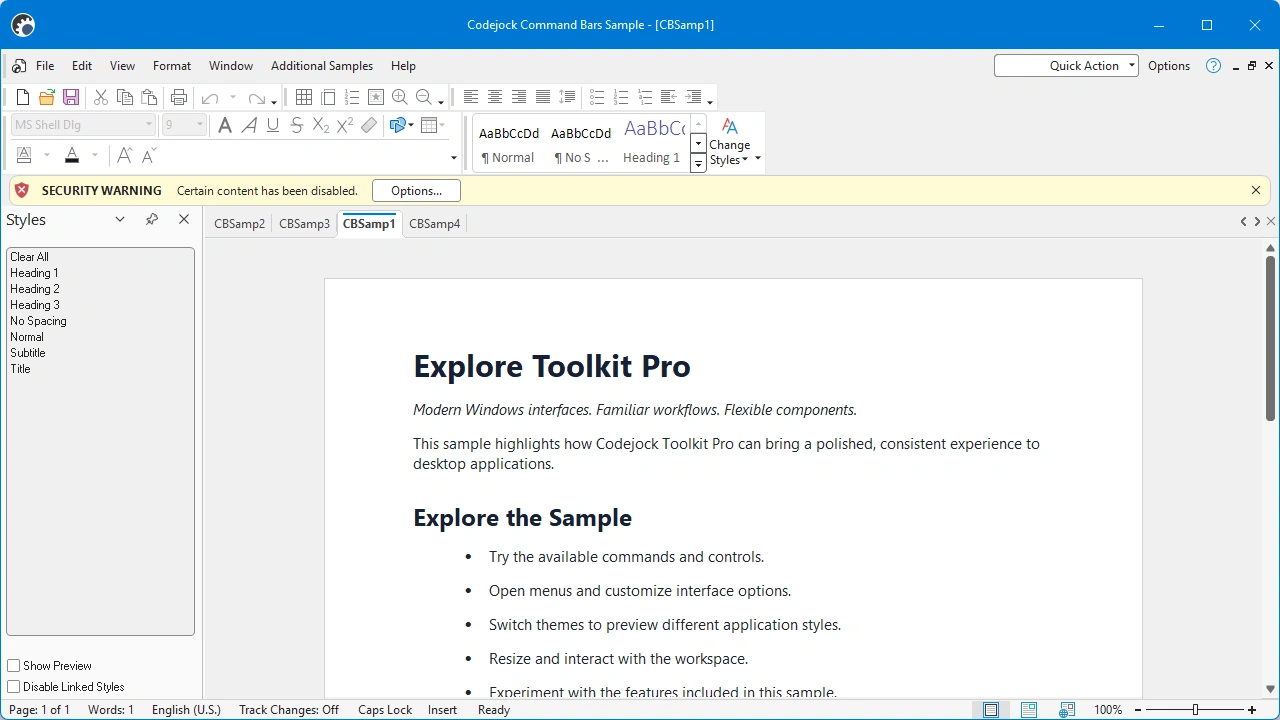
Command Bars Sample combines menus, toolbars, ribbons, customization, themes, and common controls in one application. It also demonstrates command-bar layouts in MDI, SDI, dialog, and multi-window interfaces.
Size: 15.55 Mb
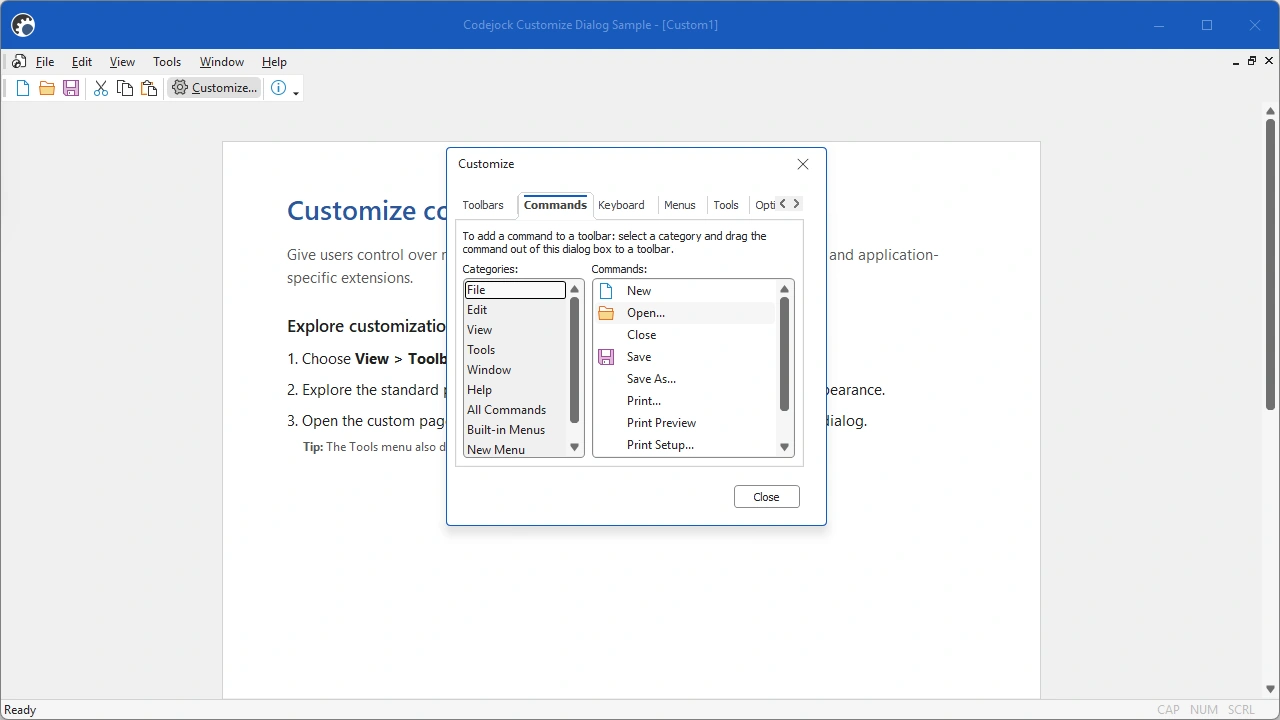
Customize Dialog demonstrates the standard Command Bars customization interface, custom configuration tabs, and commands that launch external applications.
Size: 5.68 Mb
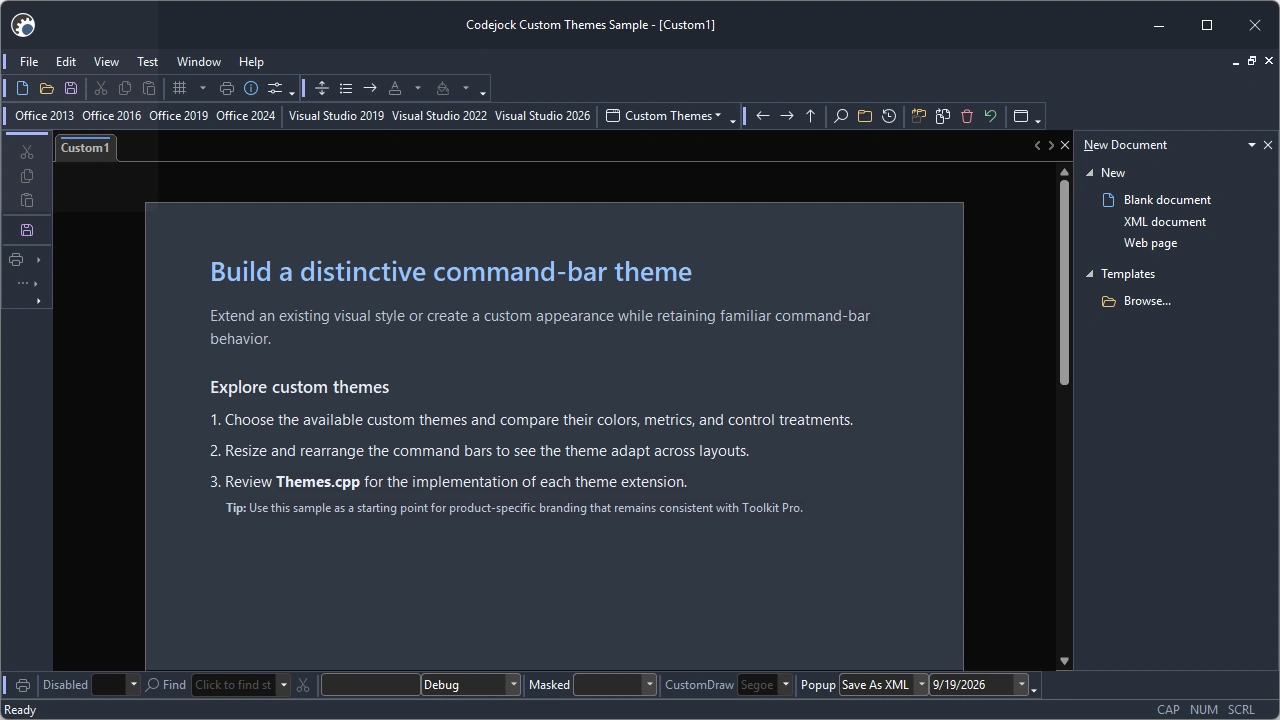
Custom Themes demonstrates custom colors, button shapes, scrolling menus, embedded menu controls, docked toolbars, intelligent menus, and customization UI.
Size: 14.63 Mb
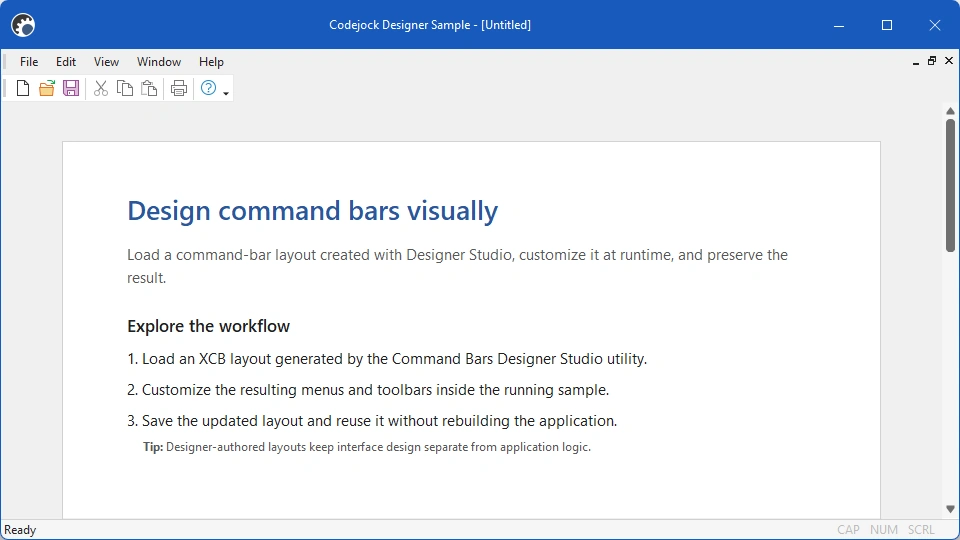
Designer Sample shows how to load an XCB command-bar definition created with Command Bars Designer Studio.
Size: 5.68 Mb
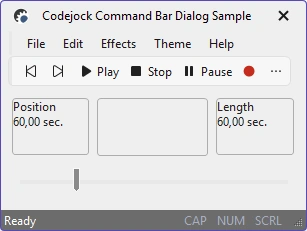
Dialog Sample demonstrates how to host and update command bars in a dialog-based application, including the idle processing required for command UI updates.
Size: 11.72 Mb
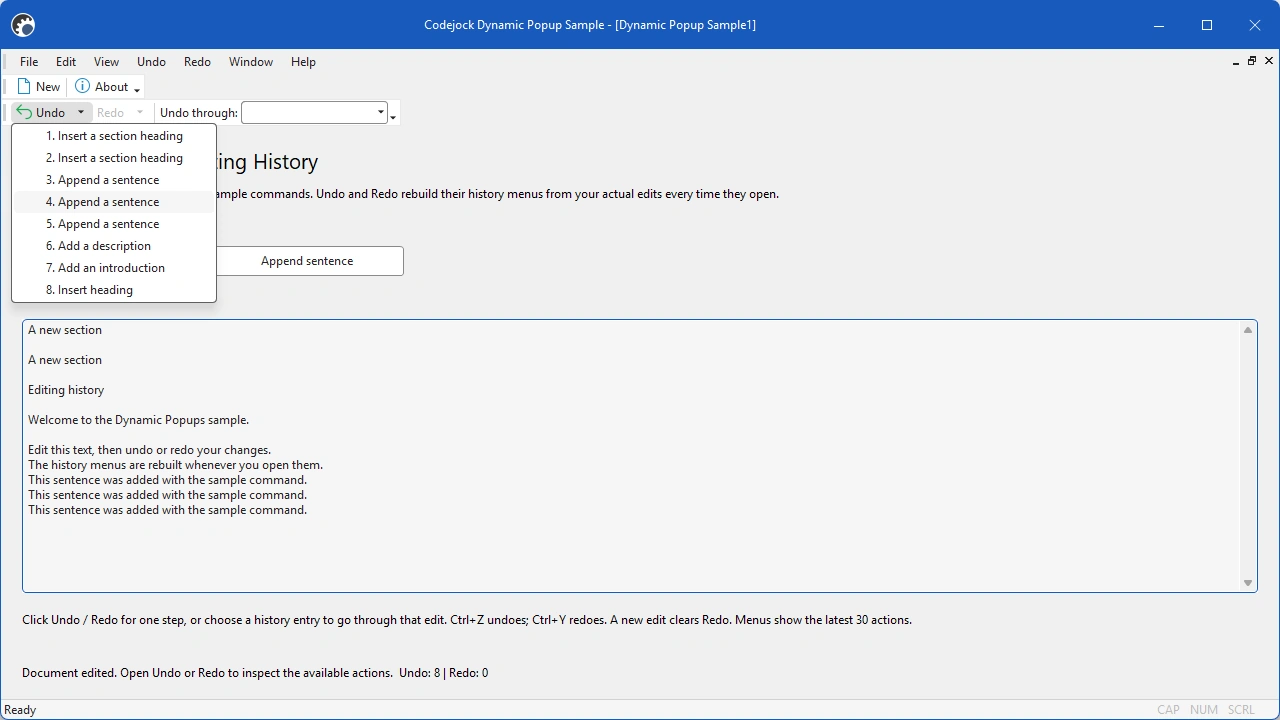
Dynamic Popups demonstrates menus, toolbar popups, and combo-box content created at runtime from Favorites, Desktop, and list data.
Size: 5.62 Mb
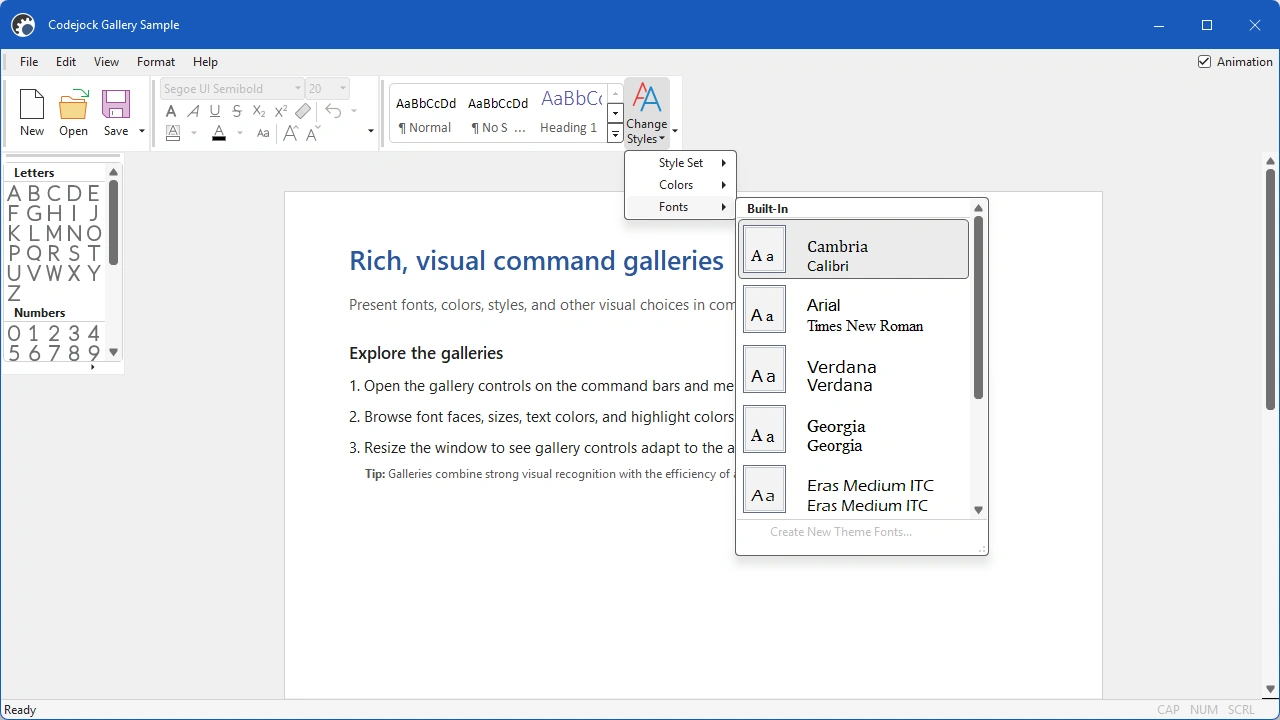
Gallery Sample demonstrates picture and text galleries in toolbars, ribbon groups, and popup menus, including font, size, style, and color selections.
Size: 14.36 Mb
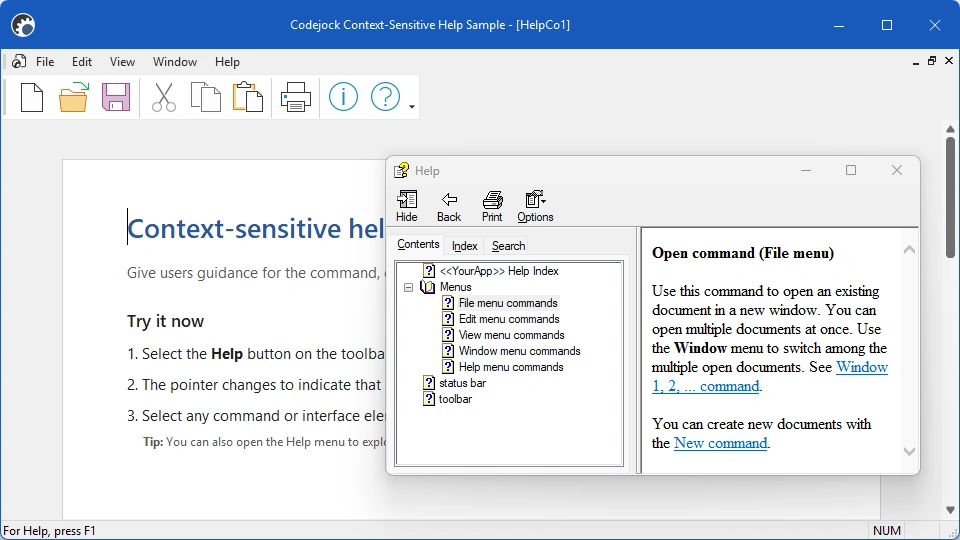
Help Context demonstrates contextual help for command bars and other interface elements in an application.
Size: 5.7 Mb
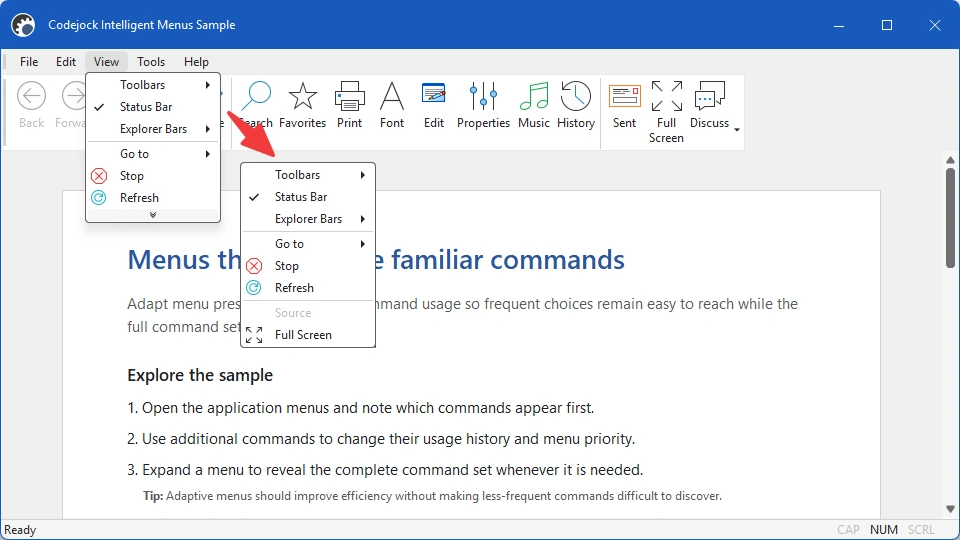
Intelligent Menus demonstrates recently used command filtering, collapsed menu items, and an expand control that reveals the complete menu.
Size: 5.88 Mb
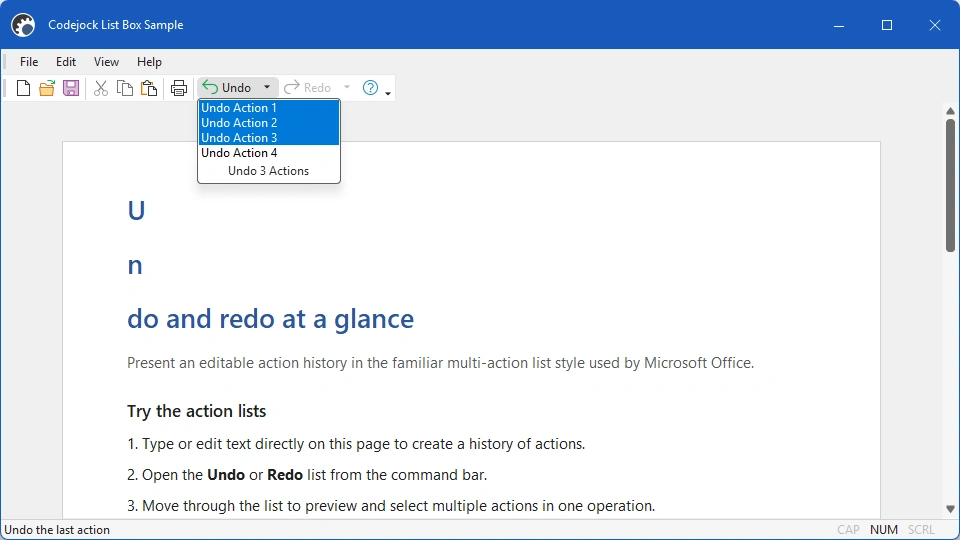
List Box Sample uses a popup list control to present multi-step Undo and Redo actions similar to those found in document editors.
Size: 5.72 Mb
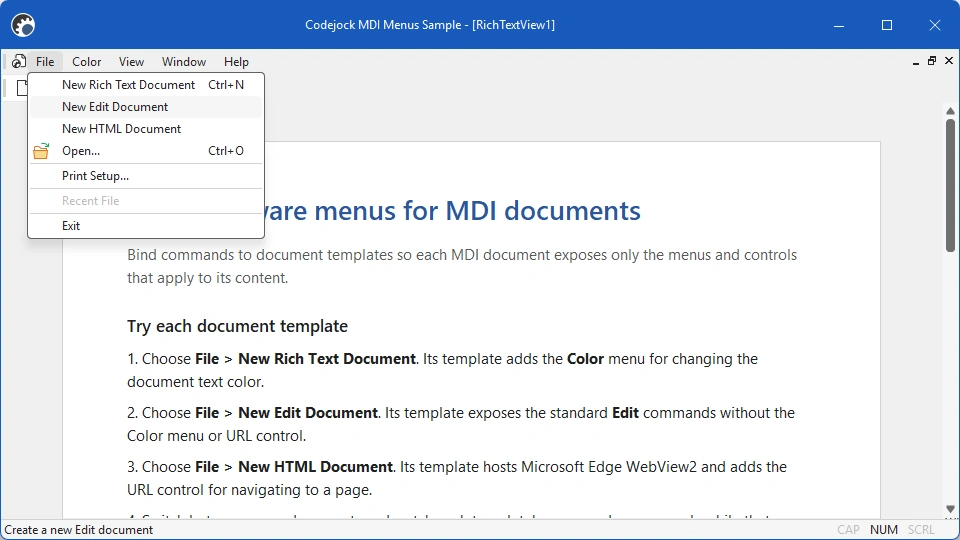
MDI Menus demonstrates how menus and commands can change with the active MDI document type.
Size: 5.86 Mb
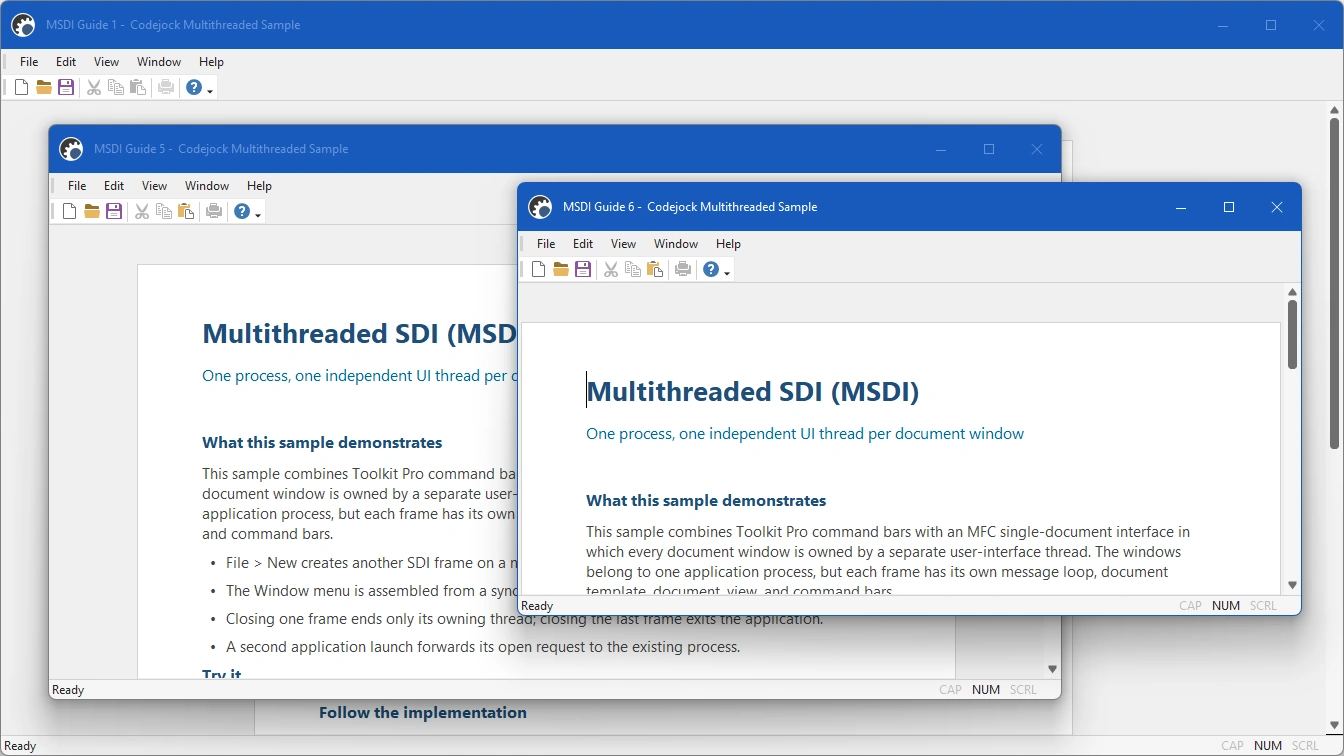
MSDI demonstrates a multiple single-document interface in which each frame opens in its own window and UI thread.
Size: 5.68 Mb
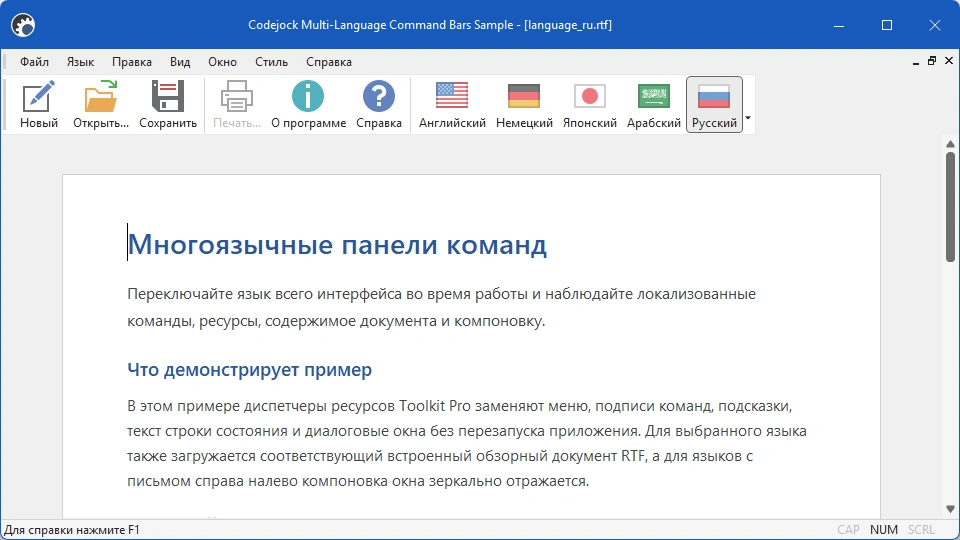
Multi-Language Command Bars demonstrates localized command bars and customization UI in English, German, Japanese, Arabic, and Russian by loading translated resource DLLs.
Size: 16.23 Mb
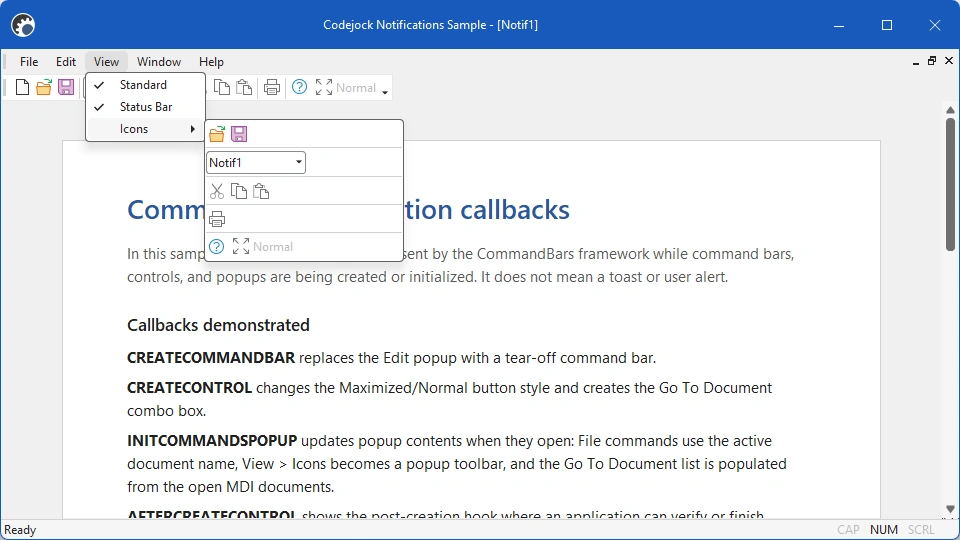
Notifications demonstrates CREATECOMMANDBAR, CREATECONTROL, INITCOMMANDSPOPUP, and AFTERCREATECONTROL notifications for creating, configuring, and validating command-bar controls at runtime.
Size: 5.71 Mb
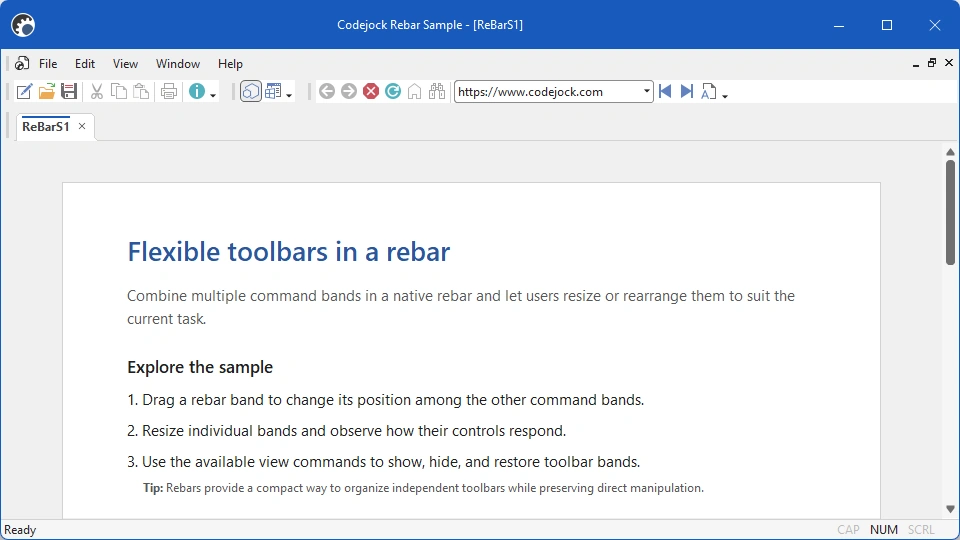
ReBar Sample demonstrates a top-docked, non-floating rebar that hosts command-bar content.
Size: 5.71 Mb
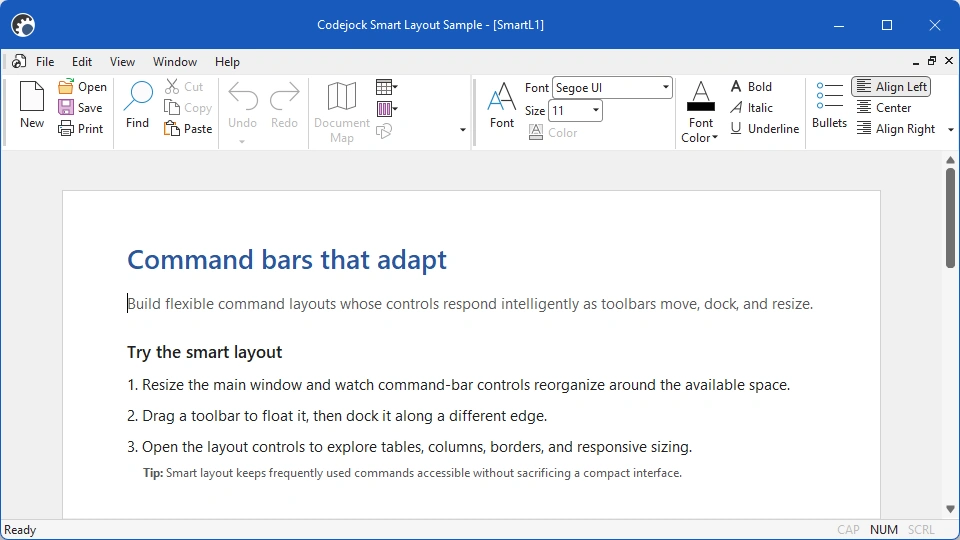
Smart Layout demonstrates adaptive toolbar controls that switch image sizes, captions, and arrangement as the available width changes.
Size: 5.81 Mb
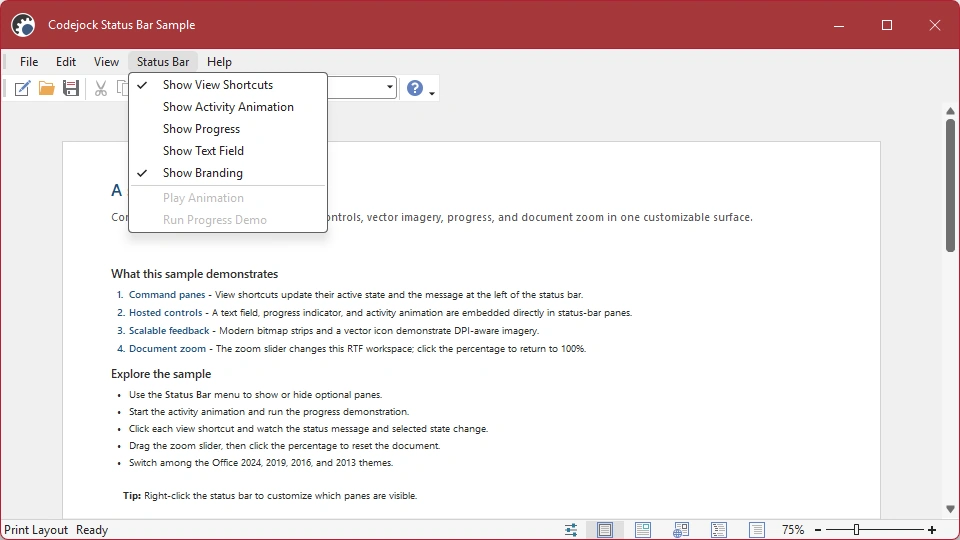
Status Bar demonstrates buttons, animation, a progress indicator, an edit control, icons, and contextual command descriptions in a status bar.
Size: 14.05 Mb
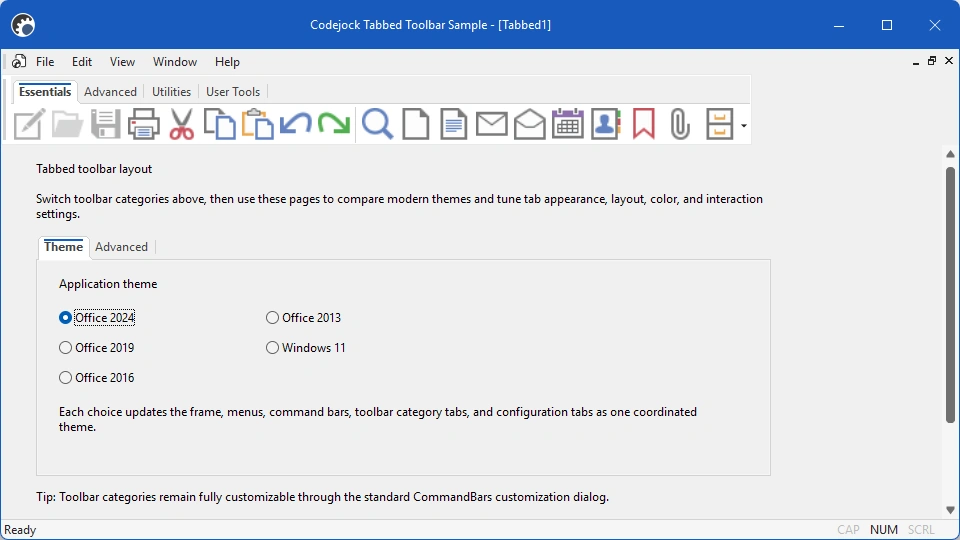
Tabbed Toolbar organizes commands into selectable categories so applications can expose more tools without crowding the interface.
Size: 14.2 Mb
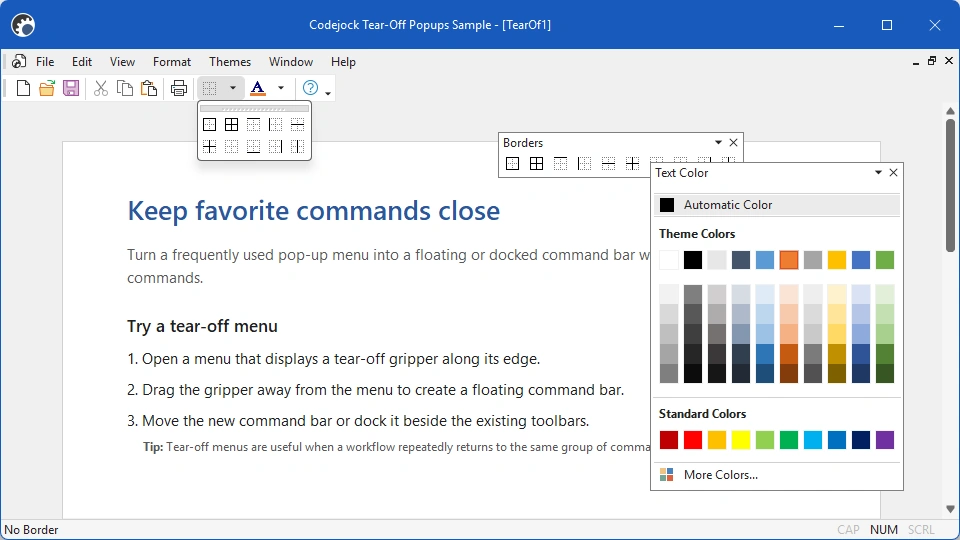
Tear-Off Popups demonstrates popup menus that users can detach into independent floating or dockable command bars.
Size: 11.81 Mb
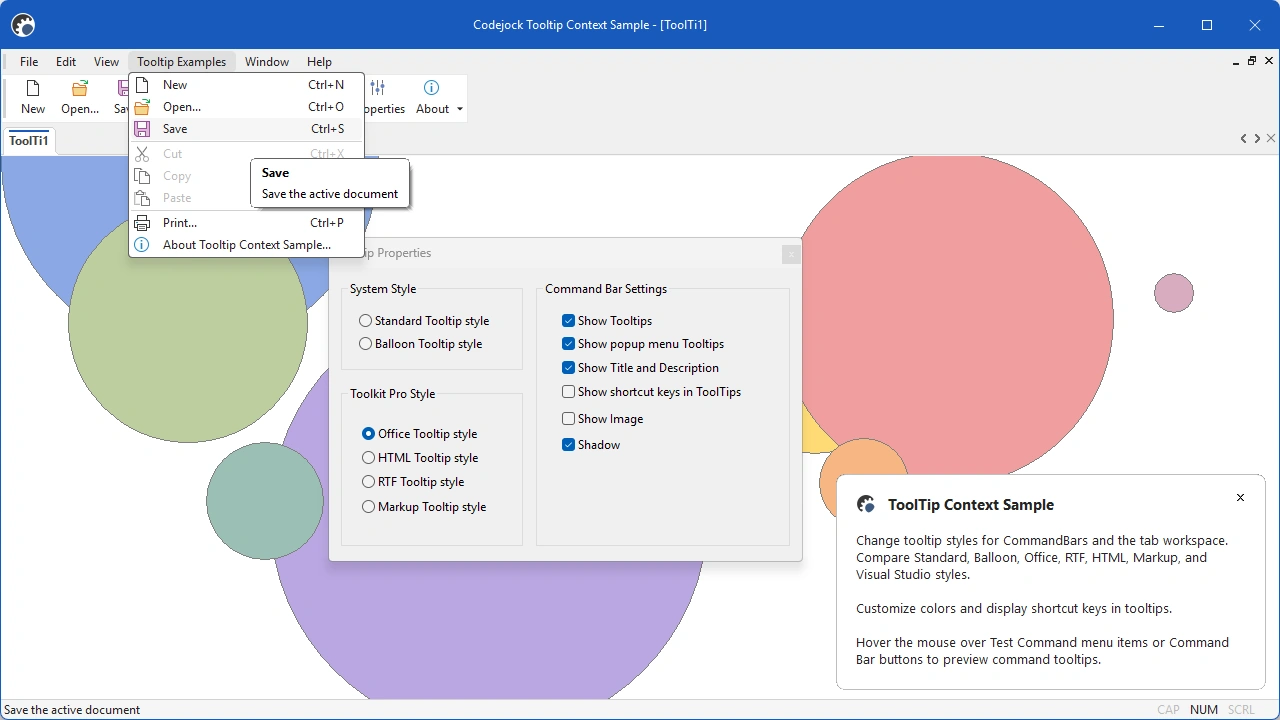
Tooltip Context demonstrates balloon, Office-style, and rich-text tooltips for command bars and tab workspaces, including shortcut text and custom colors.
Size: 5.57 Mb