Application Skins and Visual Styles
Download application skins and visual styles for Codejock Skin Framework to give Visual C++ and ActiveX applications a polished Windows interface.
How To Use Microsoft® Visual Styles with Skin Framework
With Microsoft® Visual Style support already built in, you are not limited to predefined skins
that are provided with the control. You can use any *.msstyles DLL from any Visual Style developed for use with Windows XP or later themes.
To use Microsoft® Visual Styles with the Skin Framework you will first need to download a Visual Style.
Skin Framework only needs the *.msstyles DLL; any other files that might be included with the Visual Style are not required
by Skin Framework.
Framework Visual Styles
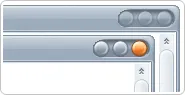
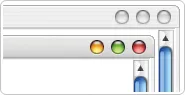
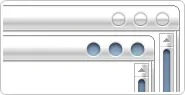
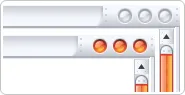
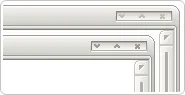
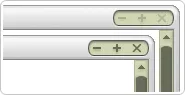
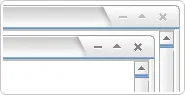
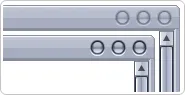
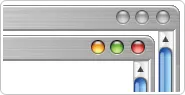
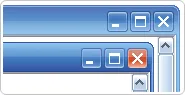
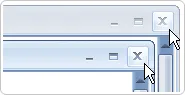
Skin Framework includes built-in visual styles. Examples shown below are based on Microsoft® Windows XP Luna skin, Microsoft®
Windows Media Center Royale skin and Office 2007 skin. Below is a preview of the default skins that are provided with Skin Framework.
| Windows XP |
|
 |
| Media Center |
|
 |
| Office 2007 |
|
 |
Third-Party Visual Styles
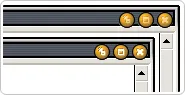
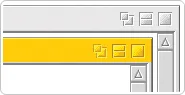
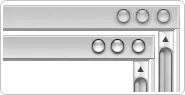
In addition to the default skins that are shipped with Skin Framework, we have also provided some links to Visual Styles that were created by third-party
authors along with links to the site where you can download the Visual Style. It is important to note that these authors are in no way affiliated with Codejock
Software, which means you can use these Visual Styles for testing purposes; however you will need to contact the author first to obtain permission before you
use them in a product release.